

A plumbing business can use dozens of digital tools, but the best apps are the ones that remove repeat admin from service calls, plumbing jobs, customer communication, estimating, invoicing, and field work.
For a solo plumber, that may mean a simple mobile app for scheduling and invoices. For growing plumbing businesses with multiple crews, the priority usually shifts to plumbing business software that can manage service calls, job scheduling, dispatch, job details, customer records, service history, job photos, and billing from the same system.
This guide compares 19 useful apps for plumbing businesses, including plumbing field service software, accounting tools, measurement apps, code references, communication tools, and job-site utilities. The goal is not to use every app. It is to build a practical stack that helps your plumbing team spend less time on administrative tasks and more time completing the right job.
The 19 Best Apps for Plumbing Businesses in 2026
The list below covers both all-in-one business software and specialized tools. Plumbing companies should choose based on the work they actually need to manage: recurring service calls, emergency calls, estimates, job costing, scheduling, invoicing, field communication, and reference work.
How to Choose the Best Plumbing Software and Apps
Before adding another separate app, look at where work is being duplicated between the office and the field. For many plumbing contractors, the biggest gains come from connecting the core workflow first.
- Job scheduling and dispatch: Look for tools that help office staff manage appointments, assign service calls, coordinate multiple crews, and keep technicians updated before they arrive at a job site.
- Estimating, job costing, and invoicing: Good plumbing estimating software should make it easier to build digital estimates, track labour and material costs, create invoices, and protect cash flow. Commercial contractors may also need progress invoicing and more detailed job costing.
- Customer management: Customer records, job history, service history, job photos, notes, and communication should be easy to find. A separate customer relationship management system is not always necessary if your field service software already keeps the information your team needs.
- Mobile access: Field technicians need fast access from a mobile device. Check whether the mobile app supports the workflows your team uses and whether it is available through the App Store or Google Play for the devices you manage.
- Accounting integrations: If you use QuickBooks or Sage, look for plumbing software that can reduce duplicate invoice creation and accounting entry. The best software should fit the accounting workflow you already have rather than creating another manual handoff.
For plumbing service companies handling leak repairs, maintenance work, and emergency calls, operational fit matters more than having the longest feature list. Useful plumbing software should streamline scheduling, help manage plumbing jobs from first call to completion, keep customers informed, and make job history easy to find when a technician returns to the same site. Maintenance reminders and equipment history can also matter for contractors with recurring commercial work.
Payment workflow is another practical consideration. Mobile invoicing, online payments, and payment processing can shorten the gap between finishing the job and getting paid, which supports healthier cash flow. If customers can pay online, make sure the payment flow connects cleanly to invoice creation and the accounting system instead of creating another reconciliation step.
Finally, consider implementation. A feature-rich mobile app is only useful if technicians will actually use it. Look at setup time, mobile access, the learning curve, and whether your existing accounting workflow supports integrations such as QuickBooks Online sync. The right digital tool should streamline operations rather than move administrative work from one system to another.
Operations and Core Apps
1. ServiceBox
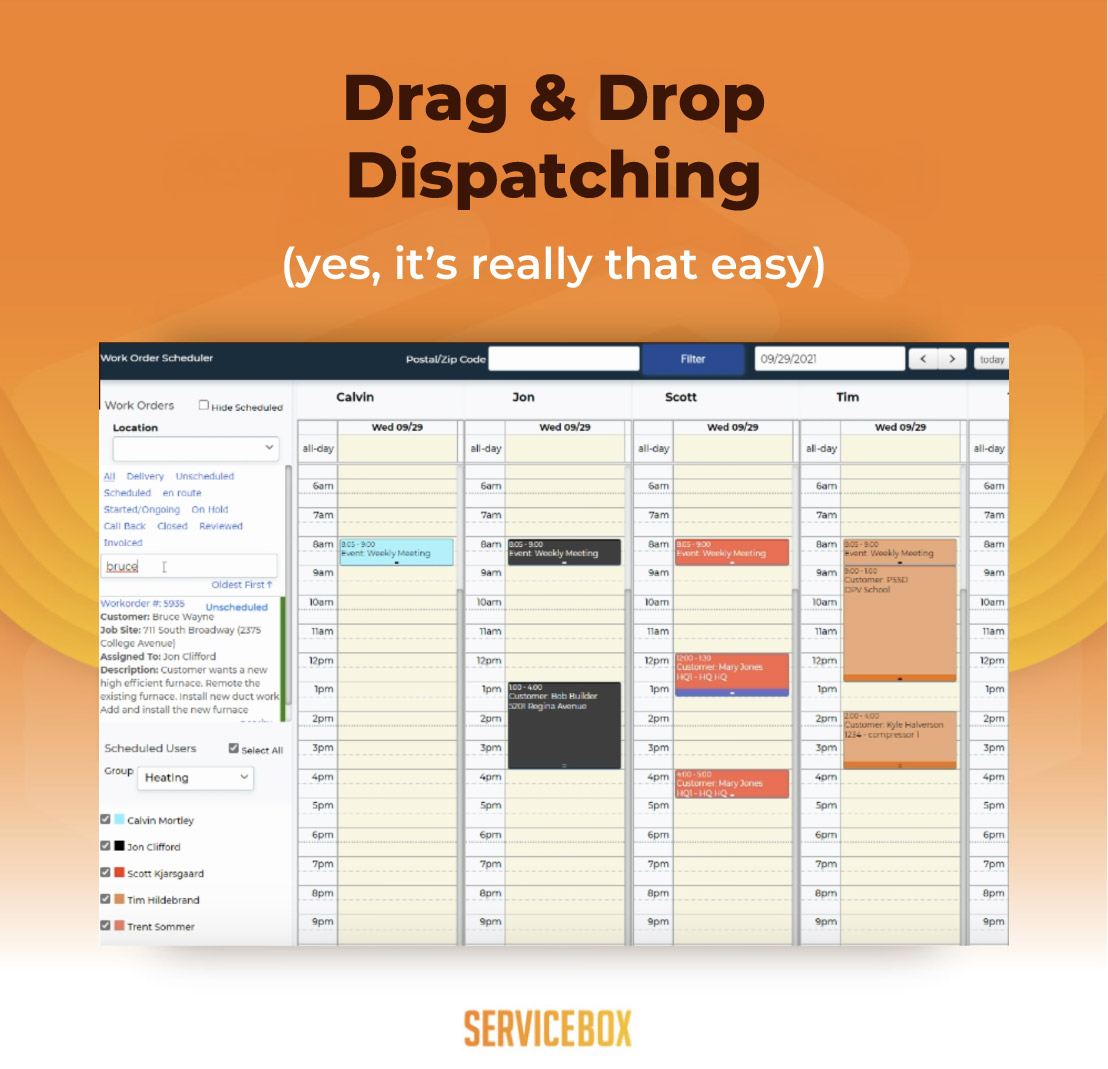
ServiceBox is plumbing field service software for residential and commercial plumbing contractors that need to manage plumbing jobs across the office and the field. Instead of using separate tools for job scheduling, dispatch, quoting, invoicing, inventory, and recurring maintenance, plumbing teams can keep the core workflow in one place.
For day-to-day plumbing service work, technicians can clock in, pull up service history, generate work orders, add job photos and notes, and collect payment on site. Office staff can use drag-and-drop plumbing dispatch software to assign work and keep job details moving between dispatch and the field. That gives growing plumbing businesses a clearer job-tracking process and reduces the need to re-enter the same information across multiple apps.
ServiceBox is most relevant when a plumbing business has moved beyond a simple calendar and needs business software that can support multiple technicians, recurring work, customer records, field service workflows, and more consistent administration.
2. QuickBooks
QuickBooks handles the standard accounting work a plumbing business needs: invoicing, expense tracking, payroll, sales tax, and end-of-year reporting. The mobile app is where you, as an owner or tech, can do day-to-day work like sending an invoice from the truck, snapping a parts receipt from the supply house, or checking what’s outstanding before following up for payments. The best part is that QuickBooks integrates with major field service software, like ServiceBox, to save your accounting team hours every week.
3. Sage
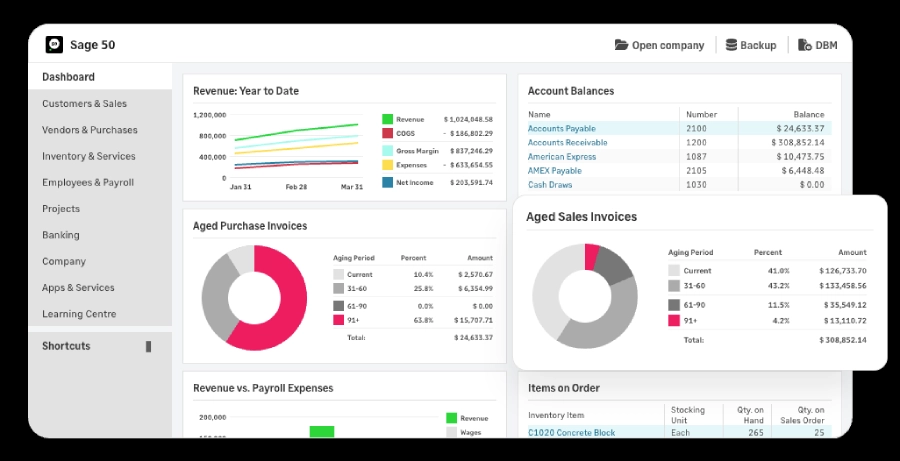
Sage works well as an accounting platform for commercial plumbing contractors that want something a bit more robust than what QuickBooks can offer. Their tools, like job costing, can support long pipe installs or help to track progress for billing on a new construction project. Along with tracking equipment depreciation, handling project-level P&L, multi-entity reporting, and detailed labor and materials tracking. Really, anything your commercial plumbing business would need on the account side.
If you’re looking to supercharge your accounting platforms, you can easily integrate Sage with ServiceBox, which will sync work orders, timesheets, and invoices between each platform automatically, saving your payroll and administrative team several hours each week.
4. Google Calendar
Google Calendar is a free calendar app that can sync across all your devices to keep track of your upcoming backflow tests, preventative maintenance stops, or in-office team meetings. Its basic functionality and ease of use make it perfect for those smaller plumbing businesses that want simple day tracking. However, once you’re up to 3 to 4 techs, it’s best to look for a more robust field service management software.
.webp)
5. WhatsApp
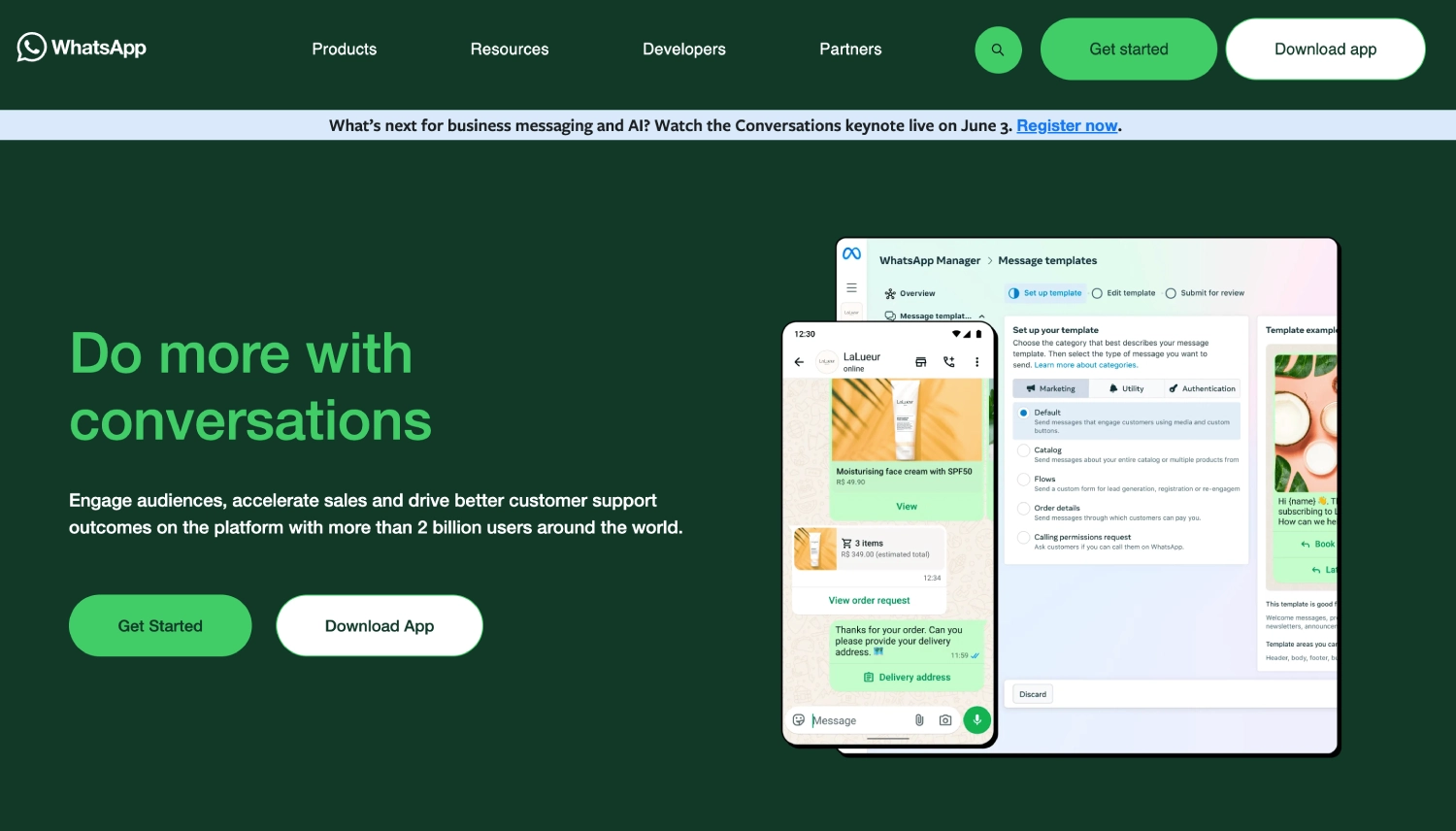
WhatsApp Business is especially useful for handling basic residential plumbing communications with customers, particularly in rural areas where regular cellular service may be spotty. If you’re looking to provide a simple way to relay WhatsApp ETA messages, photos of a new hot water tank install, or short videos showing clients how to shut off their water main, WhatsApp makes it easy, and it's a free app, too.
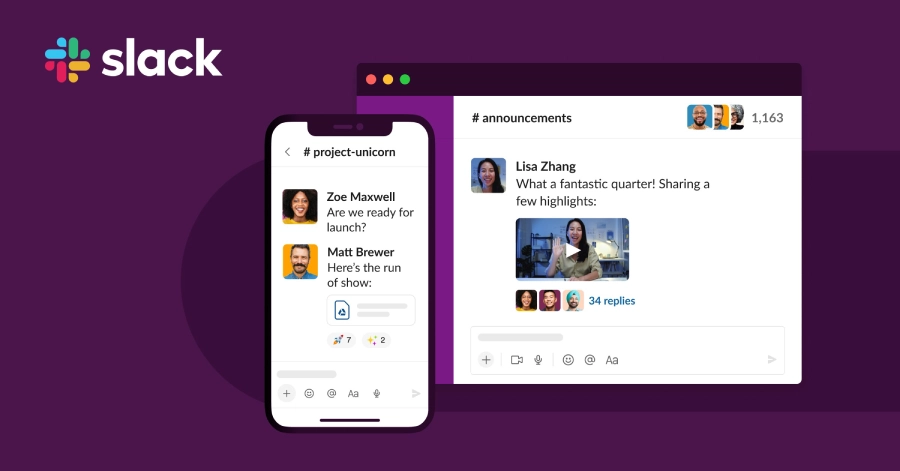
6. Slack
In-office and field tech communication is essential for any serious plumbing business, which is where Slack comes in. It’s an app that helps to streamline communications and avoid those long email threads and annoying group chats by providing a user interface for direct messaging and channel or categorized group chats. Notifications can also be customized to avoid on-the-job interruptions or to receive important job work order information back from the head office. If you’re growing, building better communication channels across your entire business is essential.
Calculation & Measurement Apps
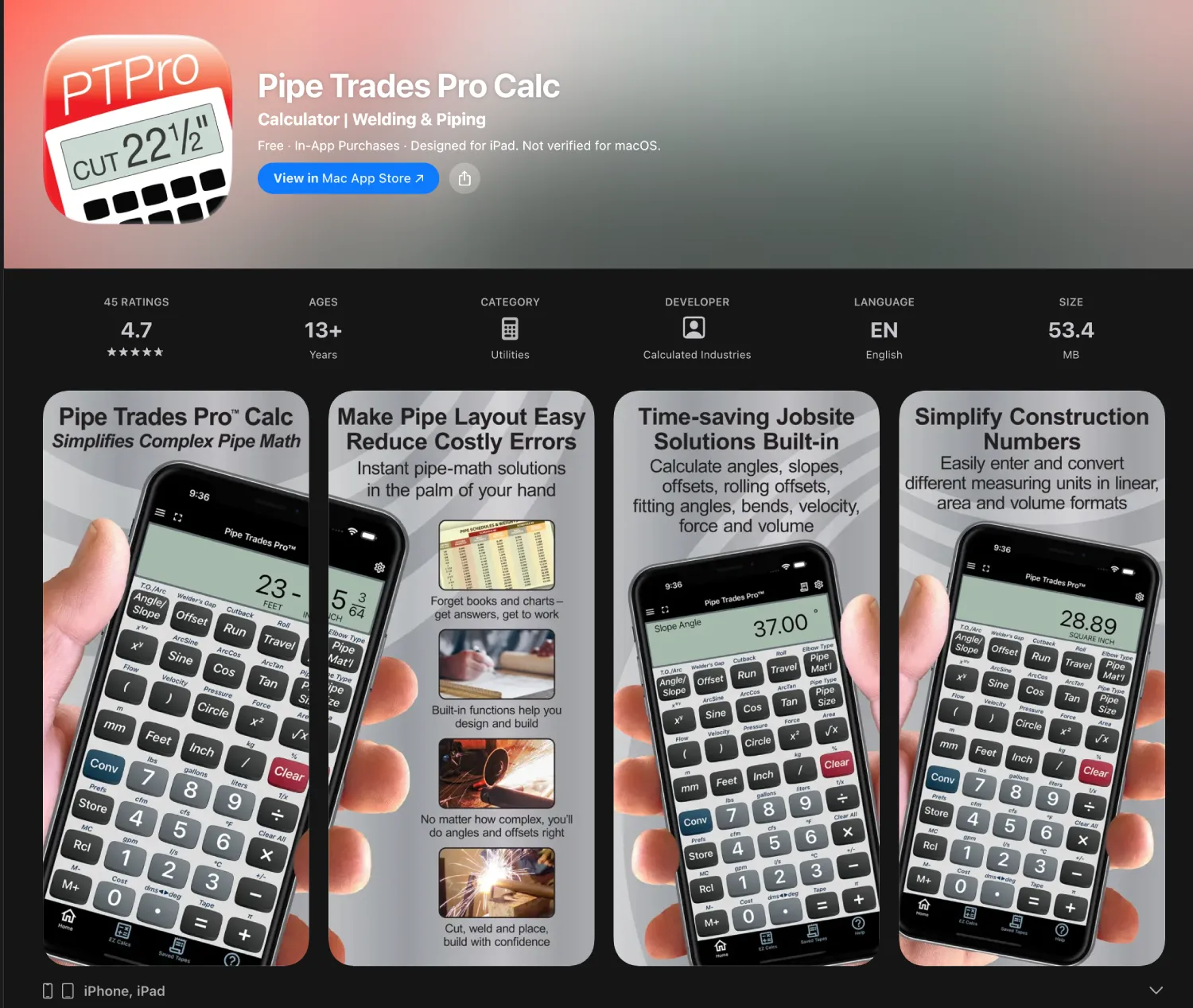
7. Pipe Trades Pro
Pipe Trades Pro is loved by pipefitters, sprinkler fitters, and commercial plumbers because it takes on the heavy lifting for handling calculations specific to complex angles, rolling offsets, parallel pipe layouts, cut and material lengths, and flow rates. If you’re looking to create efficiencies through better material usage and large jobs, this app is essential, as it’ll help avoid miscalculations that can cost thousands over the course of a several-month plumbing refit in a multi-story building.
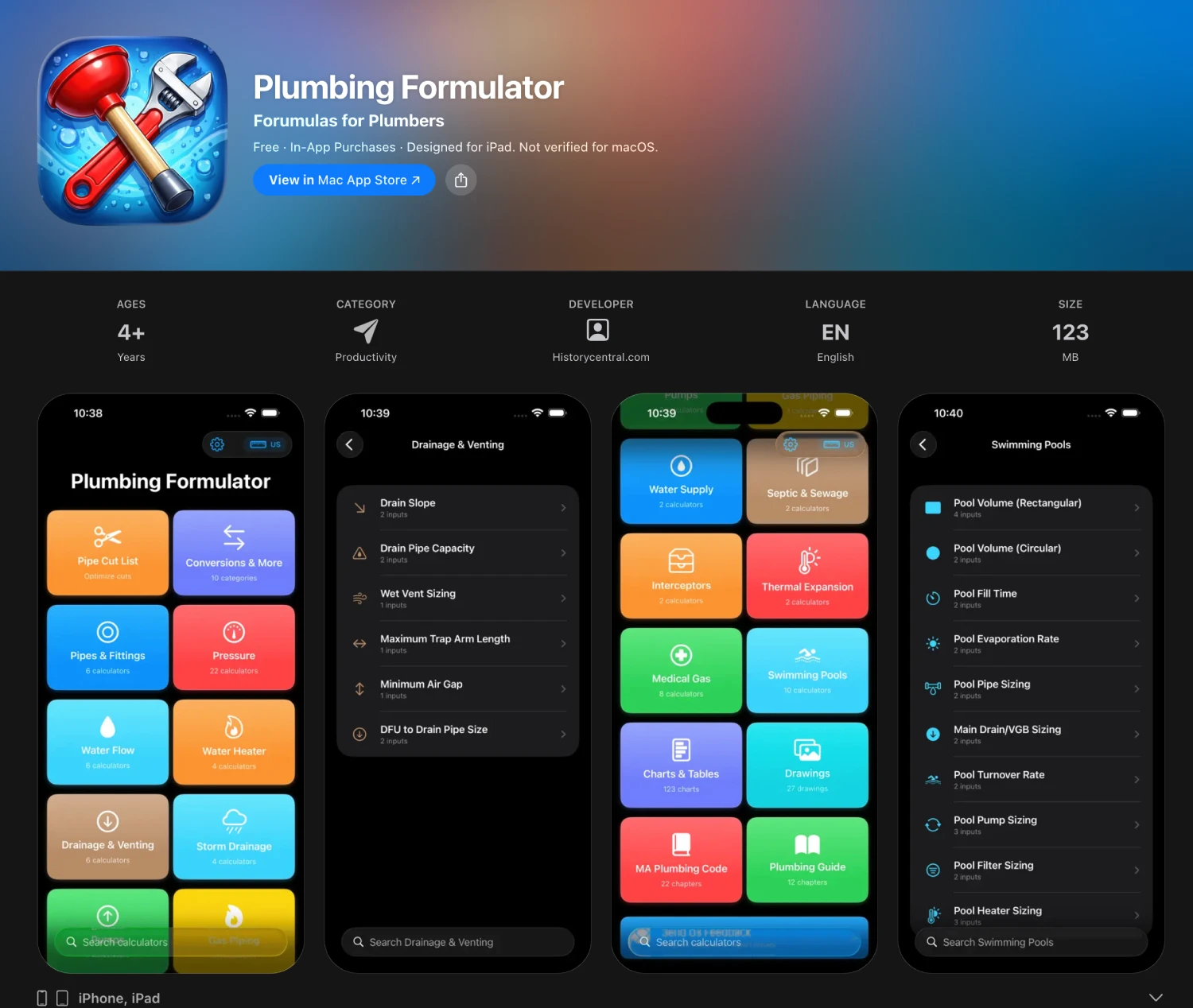
8. Plumbing Formulator
Save the day-to-day math for adding up your plumbing business's profits. The Plumbing Formulator app is useful for your field techs to support their residential and light commercial calculations like pipe volume, gallons per fixture, flow rates, BTU requirements, and more. The app provides access to more than 120 formulas that residential service techs and apprentices can easily use without pulling out a pen and paper or a clipboard.
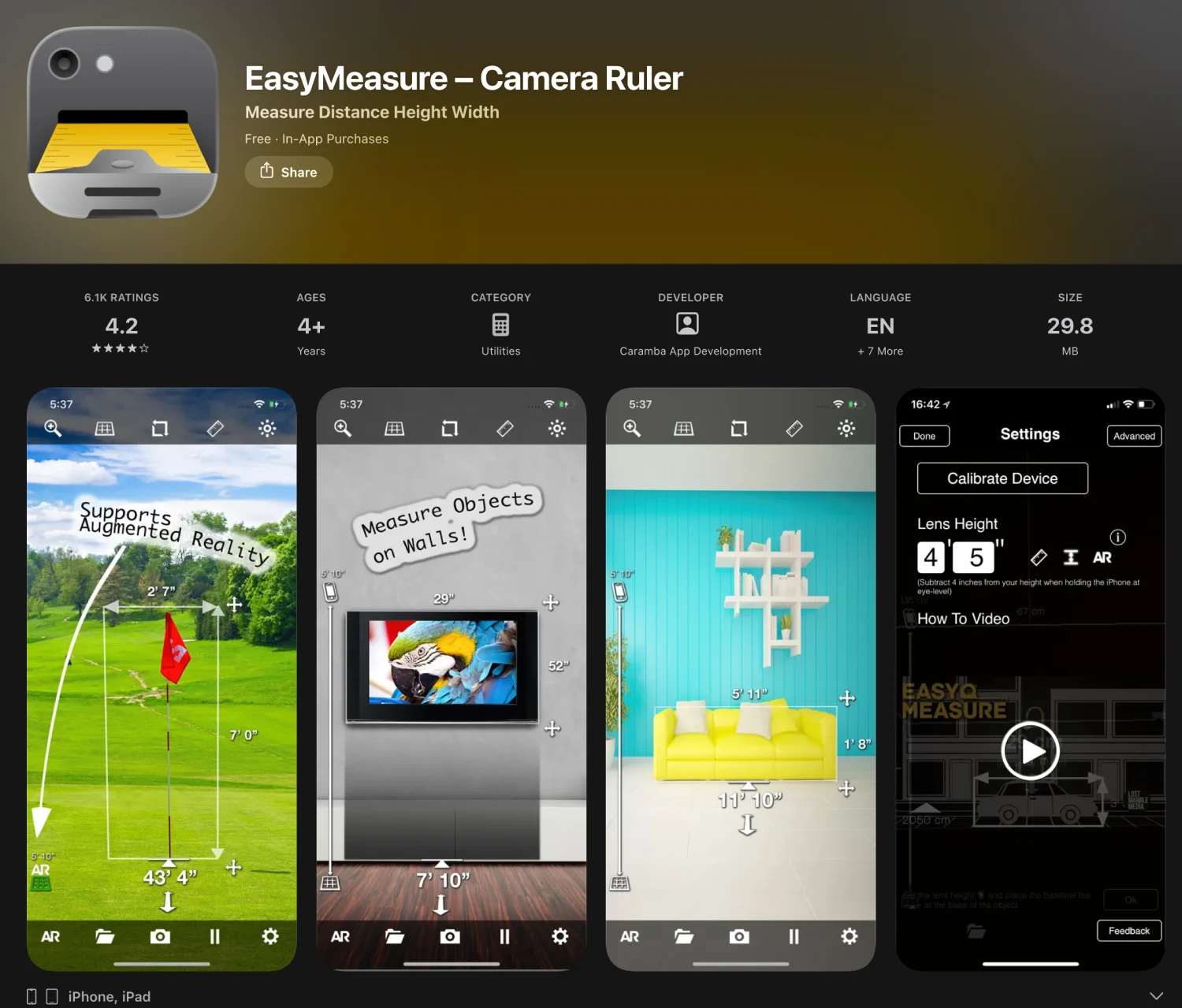
9. EasyMeasure
If your field techs are scoping for a residential bathroom refit, helping to upgrade piping in a basement, or need some basic footage calculations for a quote, the EasyMeasure app uses your phone’s camera and accelerometer to estimate the distance to an object. The app claims it's accurate to within a foot, so it’s best used for rough-scoping, rather than precision and on-the-job plumbing work.
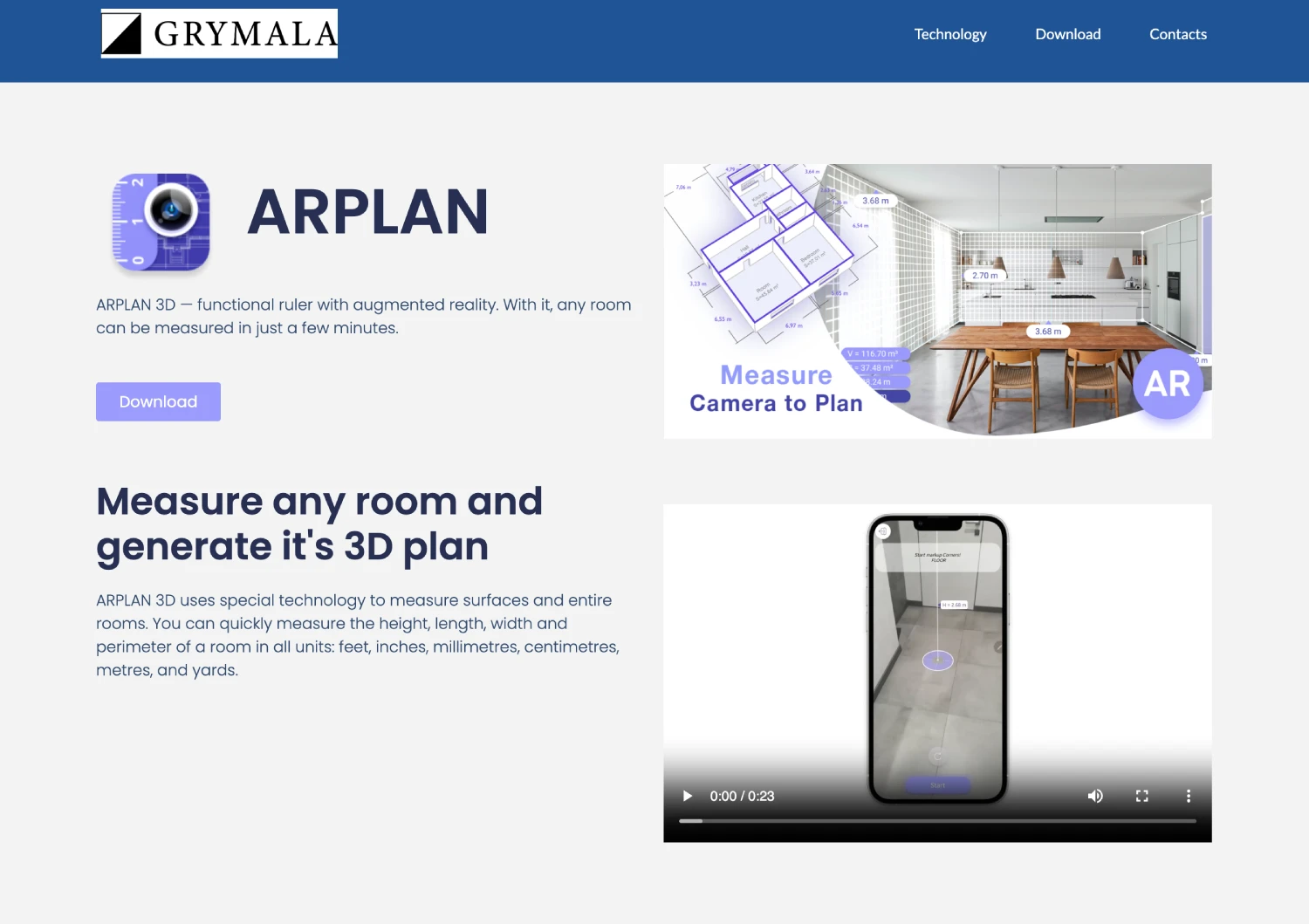
10. AR Plan 3D
AR Plan 3D is an advanced augmented reality app for scanning a room for an accurate 3D floor plan. This comes in extremely handy for any residential or commercial estimator. Let’s say you’re a commercial estimator working on a bid for plumbing improvements and modernizations. You can get a marked-up plan without manually measuring every corner and surface.
11. Bubble Level
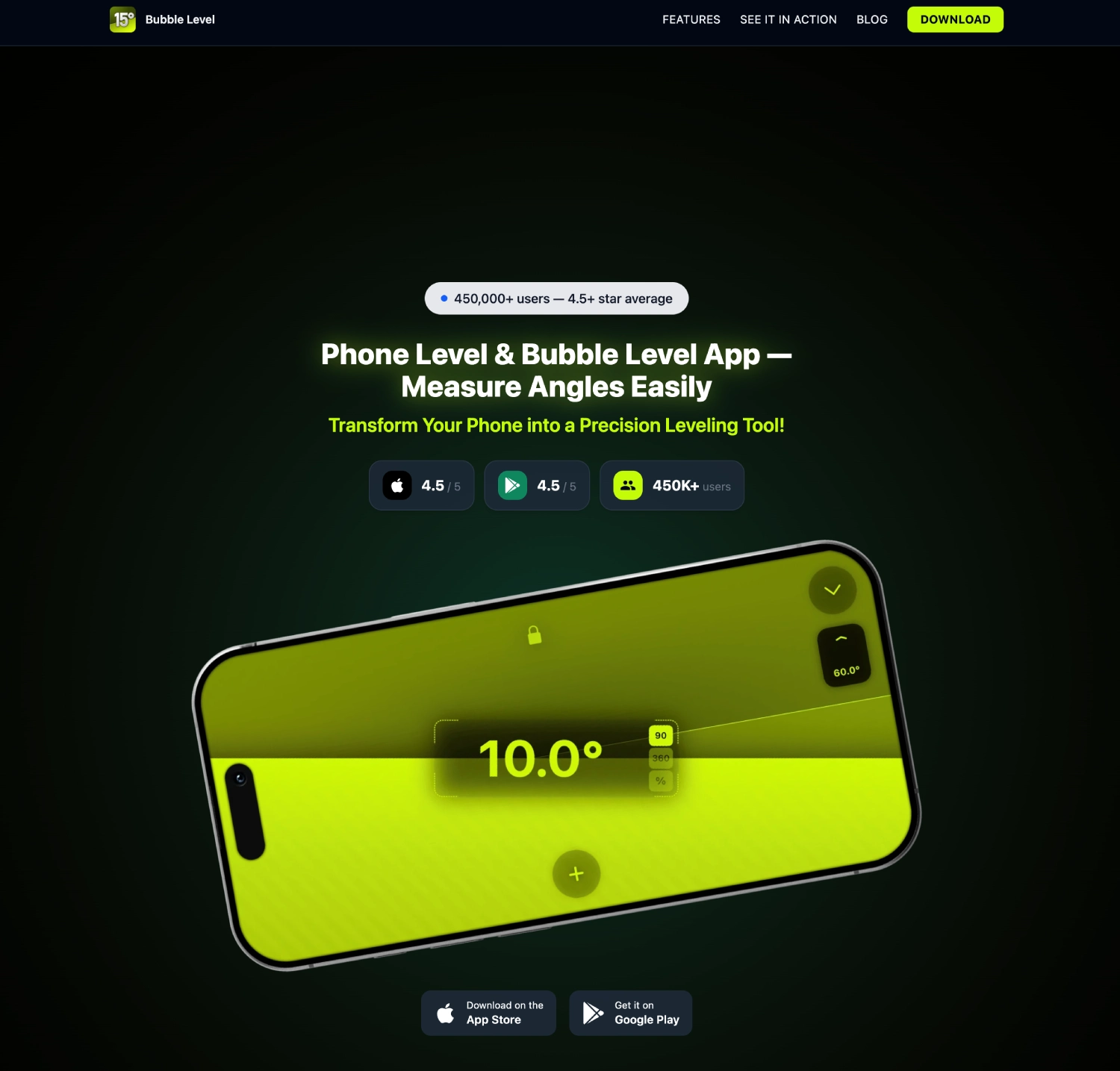
If your I-Beam level is too large for a small drainage slope check or to ensure a flat horizontal extension fitting, the Bubble Level app can help save the day. It uses your phone's accelerometer to check the level. It’s best used as a backup for residential jobs that don’t require extreme precision. However, for some commercial jobs where every degree matters, this may not be the best tool to incorporate.
12. Flashlight
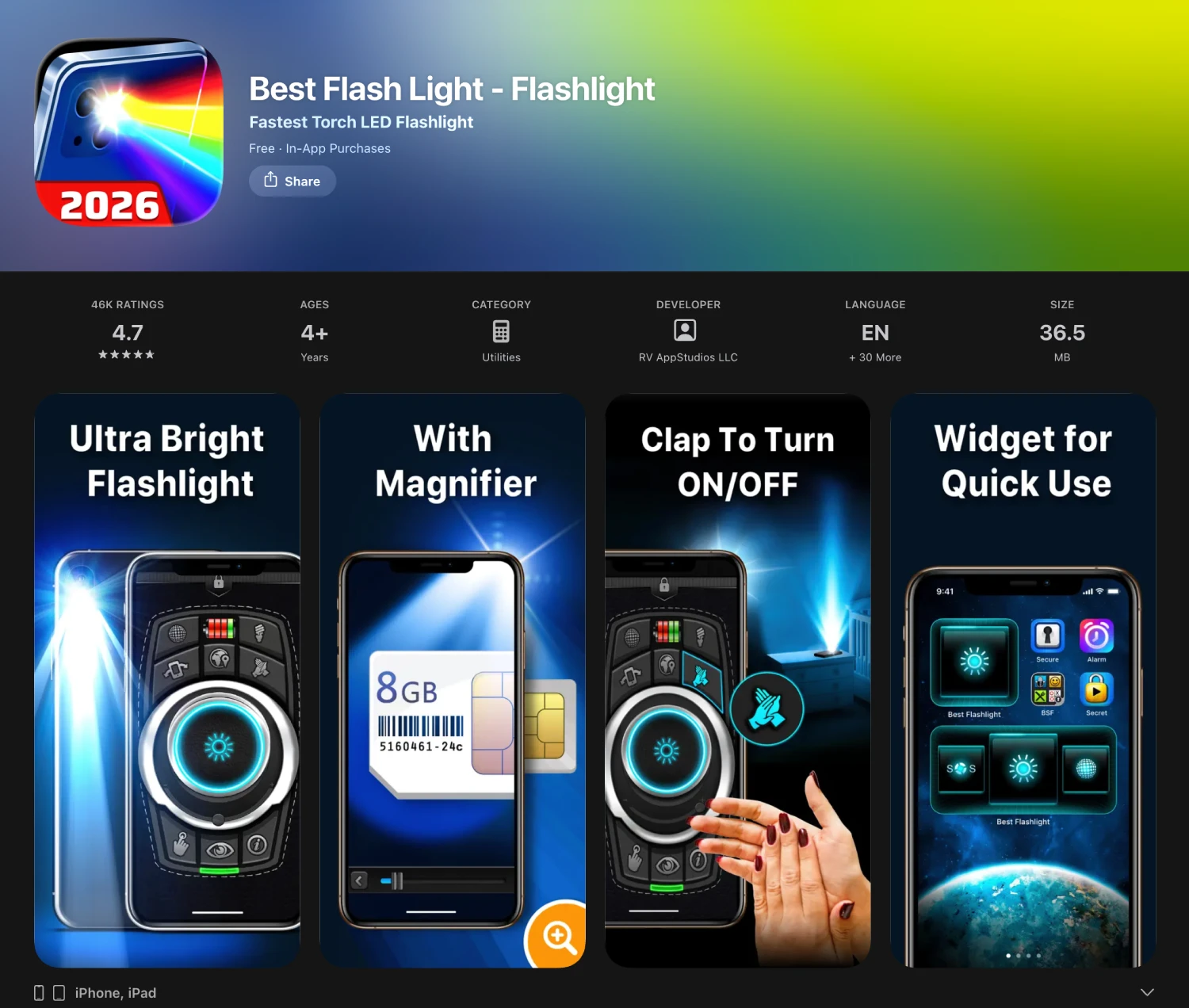
Sometimes, reaching around to your tool belt to grab your flashlight isn’t feasible when you may have a smartphone in your front pocket, more easily accessible. That’s where the Flashlight app comes in. Whether you’re under a tight crawl space looking for a leak or up in the corner of an office’s utility room, using an adjustable flashlight app that can change color and brightness will come in handy more often than you’ll anticipate.
Reference & Code Apps
13. Code Snap (UPC & IPC)
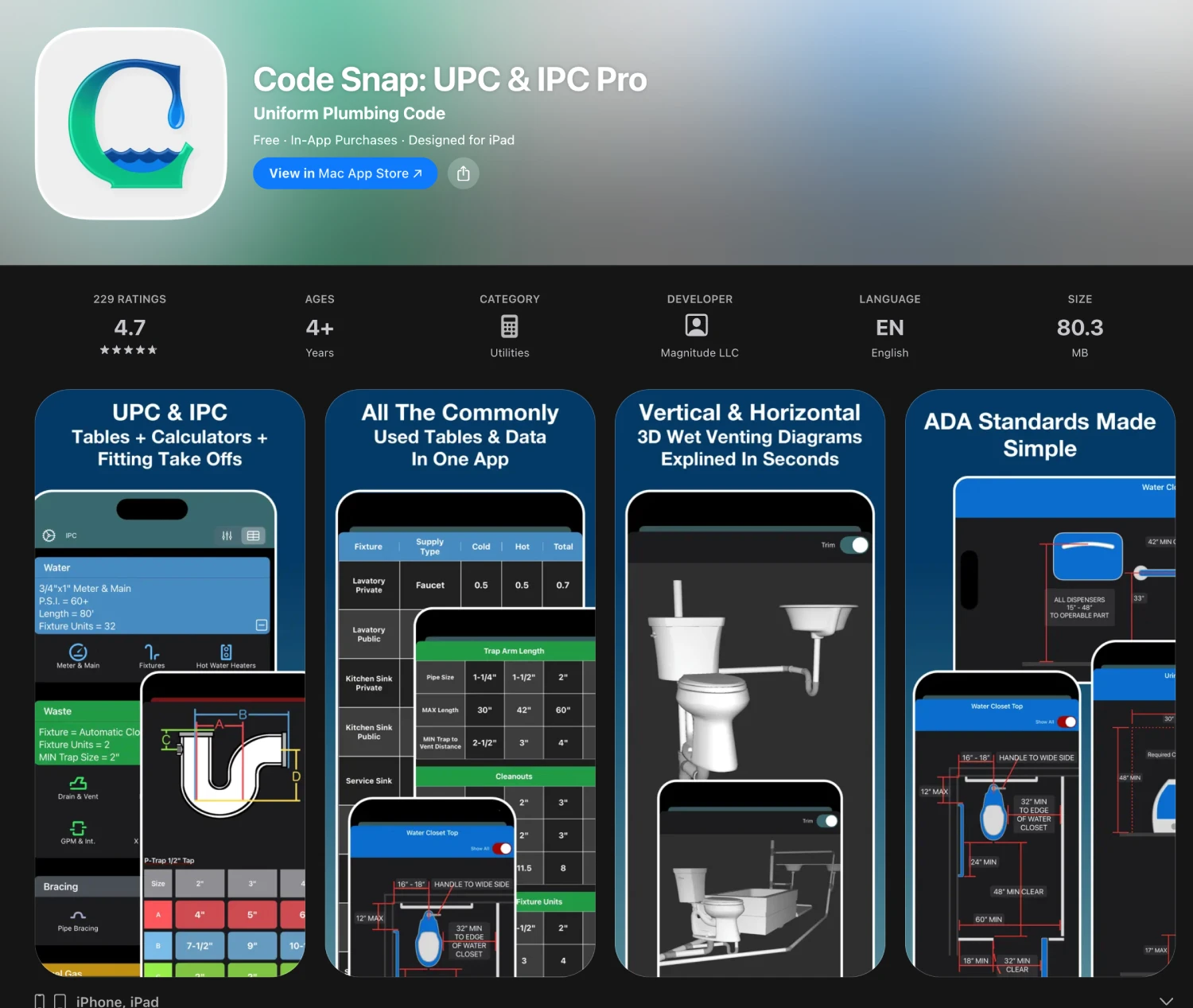
Code Snap puts the Uniform Plumbing Code (UPC) and International Plumbing Code (IPC) on a phone or tablet with full-text search. Local jurisdictions adopt one or the other, and inspectors enforce specific sections word-for-word, such as venting distances, trap arm lengths, fixture unit counts, and backflow requirements.
14. Copper Tube Handbook
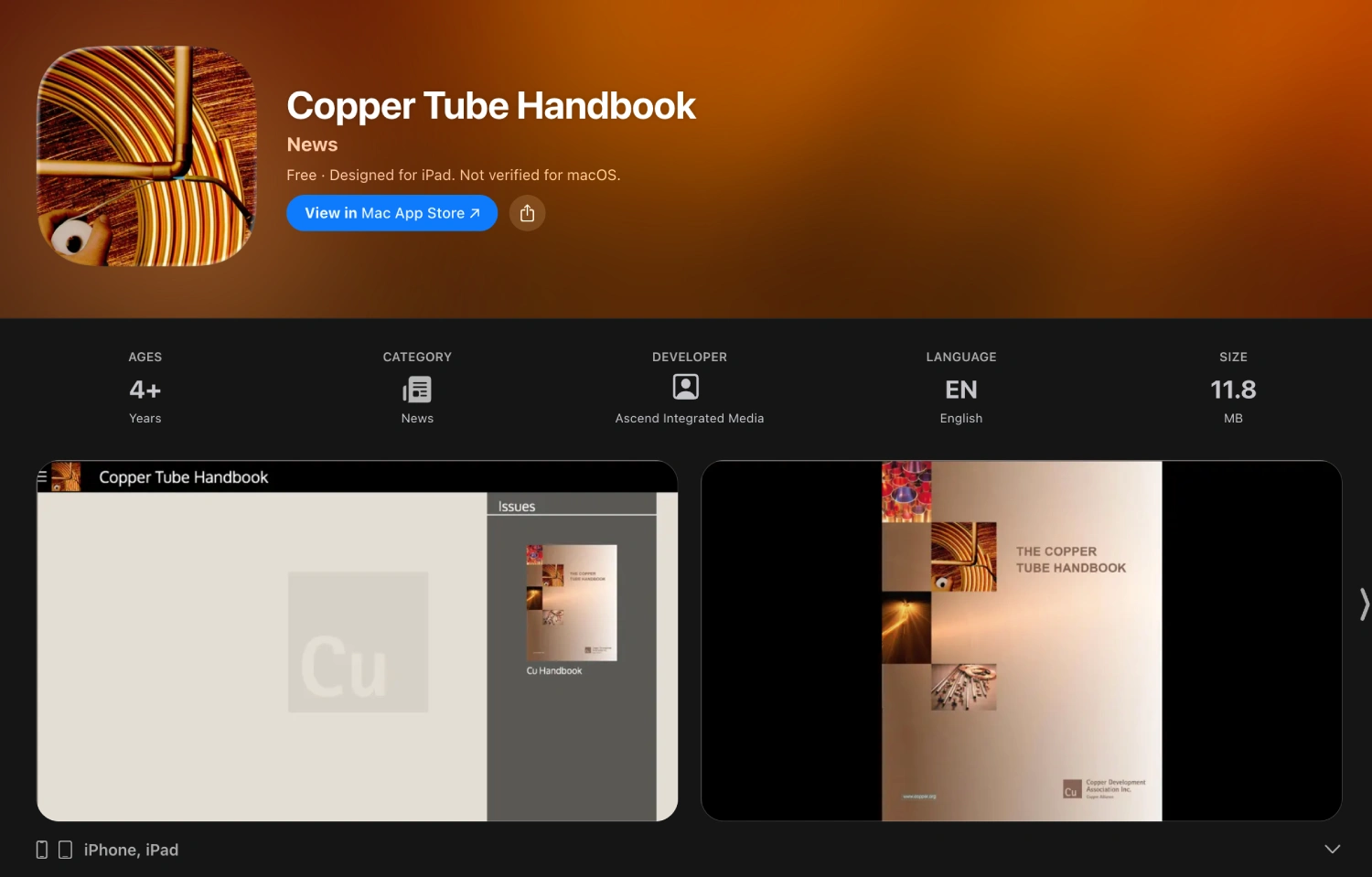
The Copper Tube Handbook app is designed to provide industry-standard referencing for copper piping, which can include things like pressure ratings by tube type and size (Type K, L, M), friction loss tables, allowable working temperatures, and other important plumbing specifications that your technicians need, especially in the commercial field.
15. Plumber’s Handbook
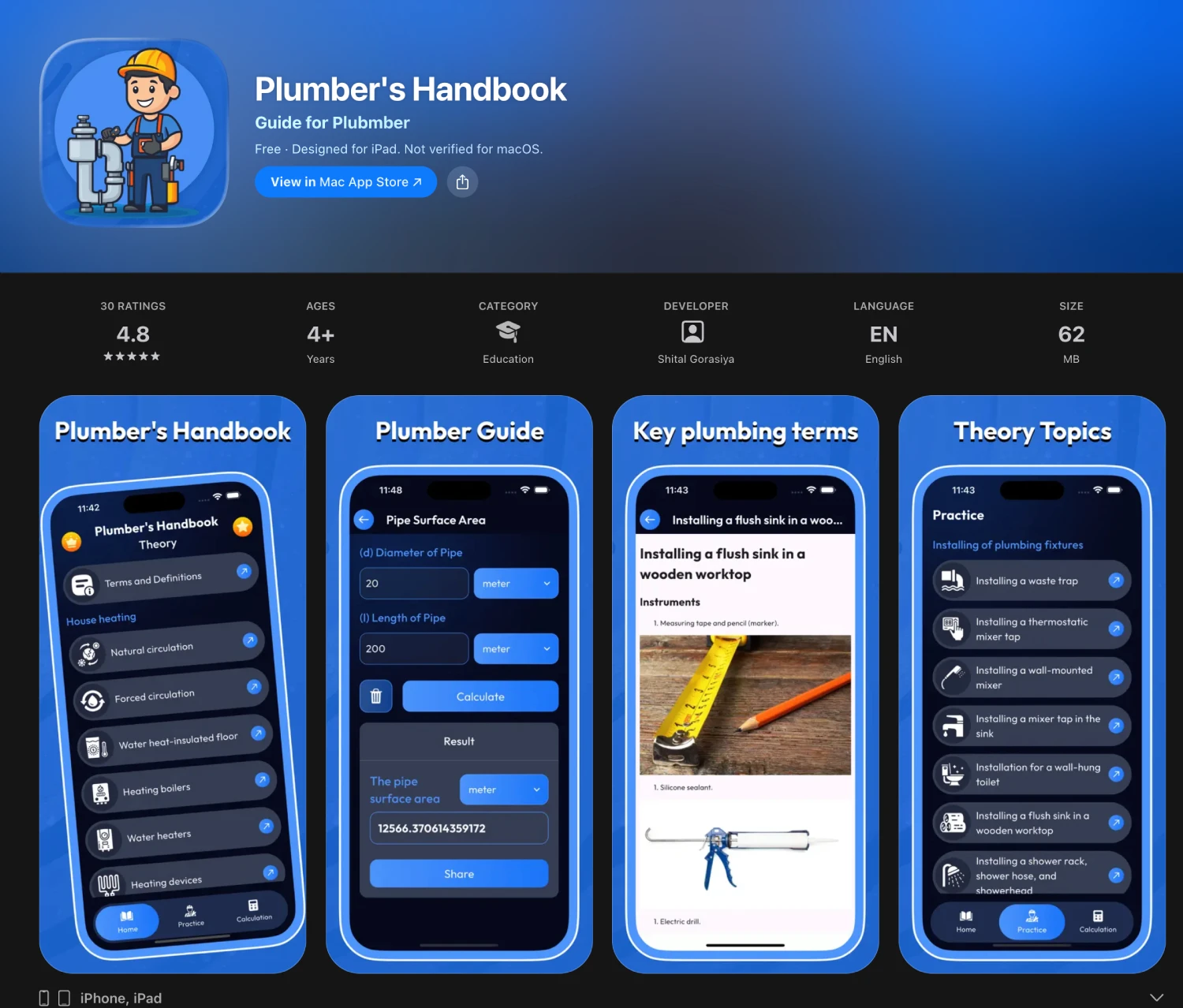
The Plumber’s Handbook app provides various guides for water supply systems, drainage and venting, fitting types, common installation techniques, and basic troubleshooting. This app is perfect for junior residential technicians who may not be familiar with older galvanized pipes, outdated PEX configurations, and lead piping in heritage homes.
16. Reddit (r/Plumbing)
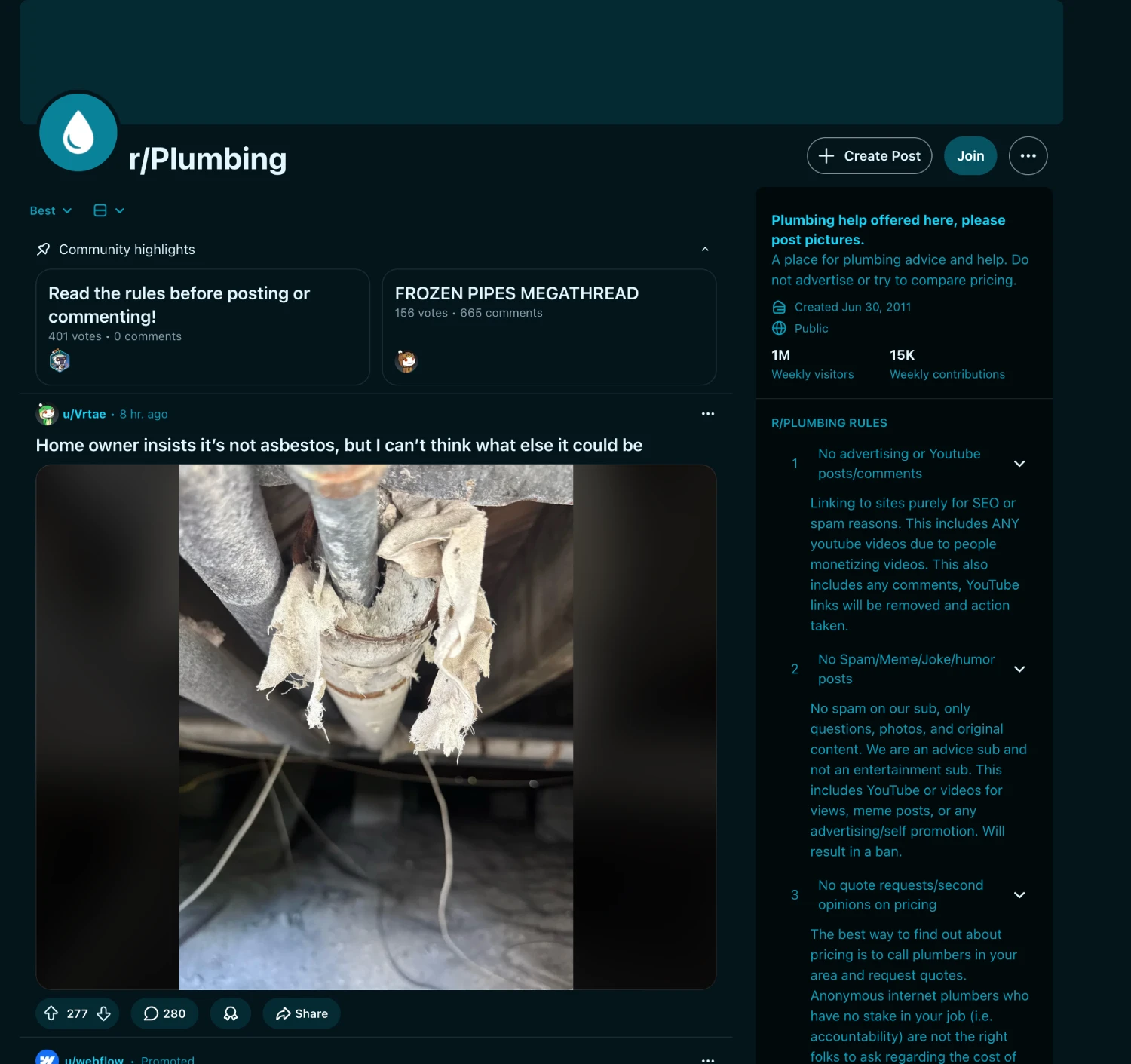
While the r/Plumbing or r/askplumbing communities on Reddit aren’t technically apps, the Reddit app and related communities can provide a wealth of information for both office staff and field techs. It’s a place where techs come to share complex or unfamiliar valves, unique piping configurations, or corroded fittings they can’t identify. This app is best used as supplementary insights if other employees and technicians cannot provide the necessary insights.
Operations & Office Apps
17. Plumbing Sales Coach
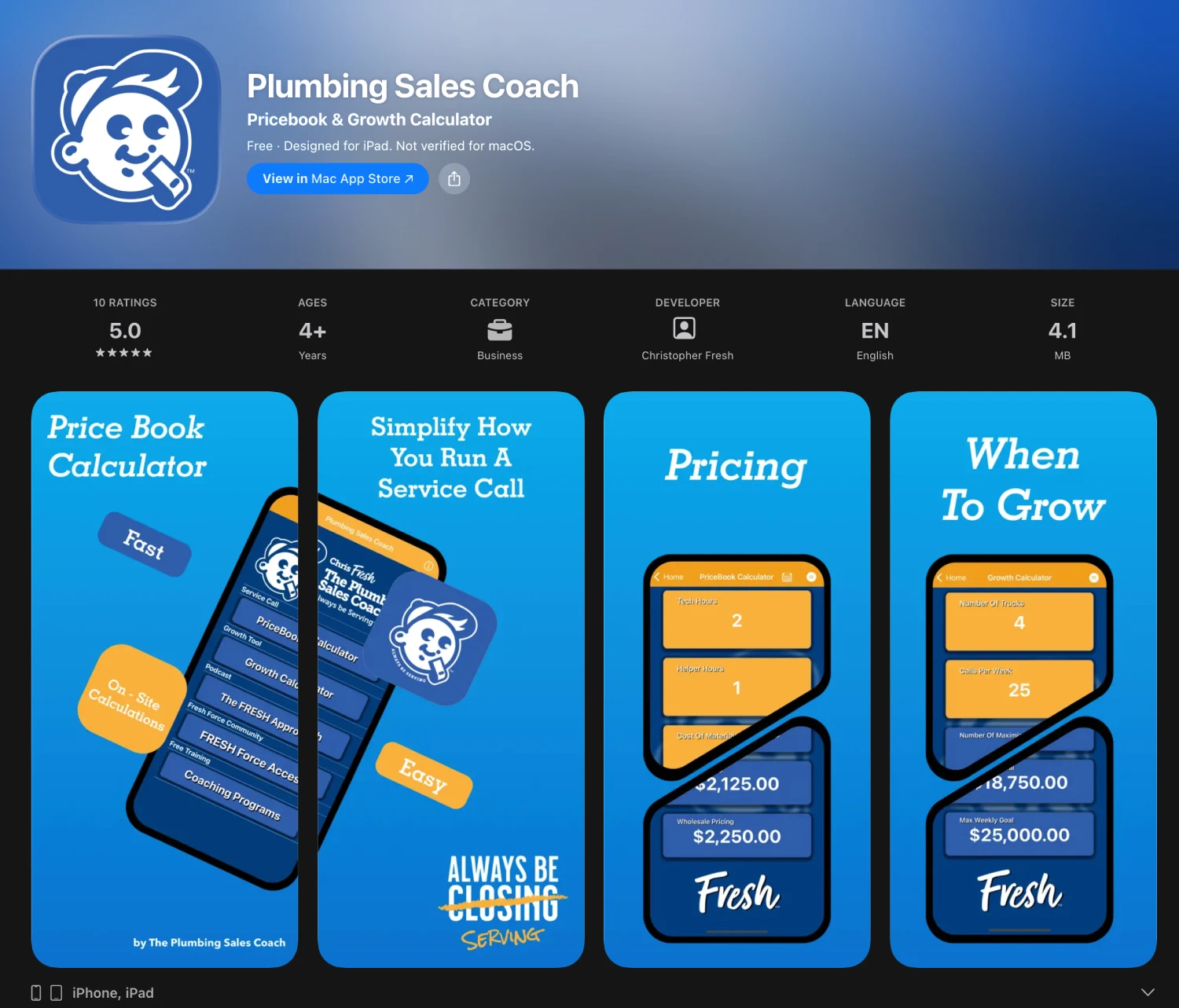
The Plumbing Sales Coach app is there to help you develop better client service skills, which will ultimately help you increase profits through revenue-generating ideas and other tools to run a leaner operation.
Many of your strongest plumbing techs may prefer to stay in their lane and provide excellent trades work, and may struggle on the sales side with upsells. This app helps to shorten the learning curve without the hand-holding of a sales professional watching your every step. This is typically better suited for competitive residential plumbing markets.
18. Dropbox
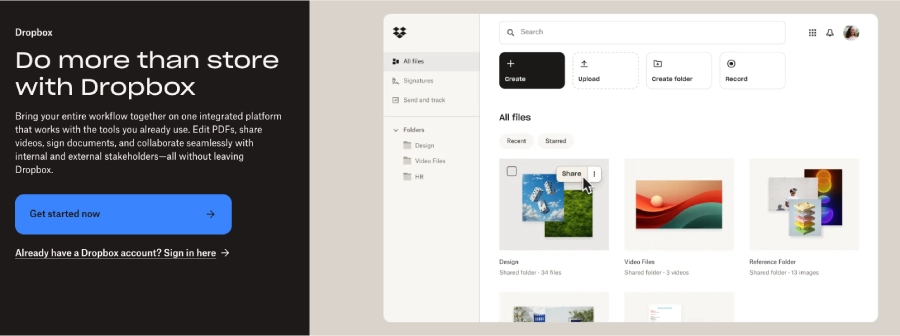
If you’re looking to centralize important documents, like commercial work orders, employee handbooks, re-piping agreements, or even MSDS sheets, having cloud storage like Dropbox provides a secure point for all field techs and office staff to access those documents.
19. Google Photos
If your plumbing techs are taking lots of photos on the job, Google Photos helps to provide a secure place where photos are automatically backed up. That way, any hardware or system failures on the job don’t interfere with progress to date and photo documentation. It’s best used as a place to store photos for each tech's personal reference or professional use in documenting things like PEX piping problems.
Frequently Asked Questions About Apps for Plumbing Businesses
What software do plumbing contractors use?
Plumbing contractors commonly use a combination of field service software, accounting software, estimating and invoicing tools, communication apps, and technical reference apps. Larger plumbing companies usually benefit most from centralizing service calls, job scheduling, dispatch, customer records, job tracking, and invoices before adding specialized tools around that core system.
What types of apps do plumbers need for their business?
The most useful categories are plumbing business software for operations, accounting apps, measurement and calculation tools, code-reference apps, communication tools, photo and document storage, and payment software. The right mix depends on whether the company mainly handles residential service, commercial projects, recurring maintenance, or a combination of those workflows.
What features should plumbing business software include?
Key features usually include job scheduling, dispatch, work orders, estimates, invoices, customer management, service history, job photos, mobile access, reporting, and integrations with accounting software. Growing plumbing businesses should also consider inventory, preventative maintenance, job costing, and tools that help multiple crews work from the same information.
Do solo plumbers need the same software as larger plumbing companies?
Usually not. Solo plumbers can often start with a smaller set of tools for appointments, estimates, invoices, and accounting. As service-call volume increases or technicians are added, an all-in-one field service system becomes more valuable because it reduces separate apps, duplicate entry, and disconnected job information.
Get All-In-One Plumbing Field Service Management Software
Specialized apps are useful for calculations, code lookups, communication, and reference work. But the core operational workflow is usually easier to manage in one plumbing software platform rather than across a separate app for every task.
ServiceBox brings quoting and invoicing, job scheduling and dispatch, preventative maintenance tracking, work orders, service history, and other field service workflows into one system. For plumbing companies managing multiple technicians or recurring service work, that can reduce manual handoffs and make it easier for office and field teams to work from the same information.
Final Thoughts
Say goodbye to the hours of manual entry in spreadsheets and cross-checking paper time sheets at the end of every day or work week. It’s time to use the right plumbing apps, so you can offload manual tasks, so each hour is spent on the right work, like building a great workforce culture, drumming up more business, or furthering support for your field techs.
And when you combine these specialized tools with a management platform like ServiceBox, your business is set up to run more efficiently than ever. Ready to explore how ServiceBox can support your commercial or residential plumbing business? Book your demo today.

![How to Schedule Visits for HVAC Systems [Seasonal Maintenance Guide]](https://cdn.prod.website-files.com/67ae6e3fa71598c124af0f8b/6ab5b39ad7006a6e8dd23304_Dispatch%20team.jpg)