
SellQuote or contract the work.
Field service software for commercial service contractors
One operating system for customers, sites, assets, work and billing.
ServiceBox is built for contractors who have outgrown simple residential tools but do not want the burden of an enterprise rollout.
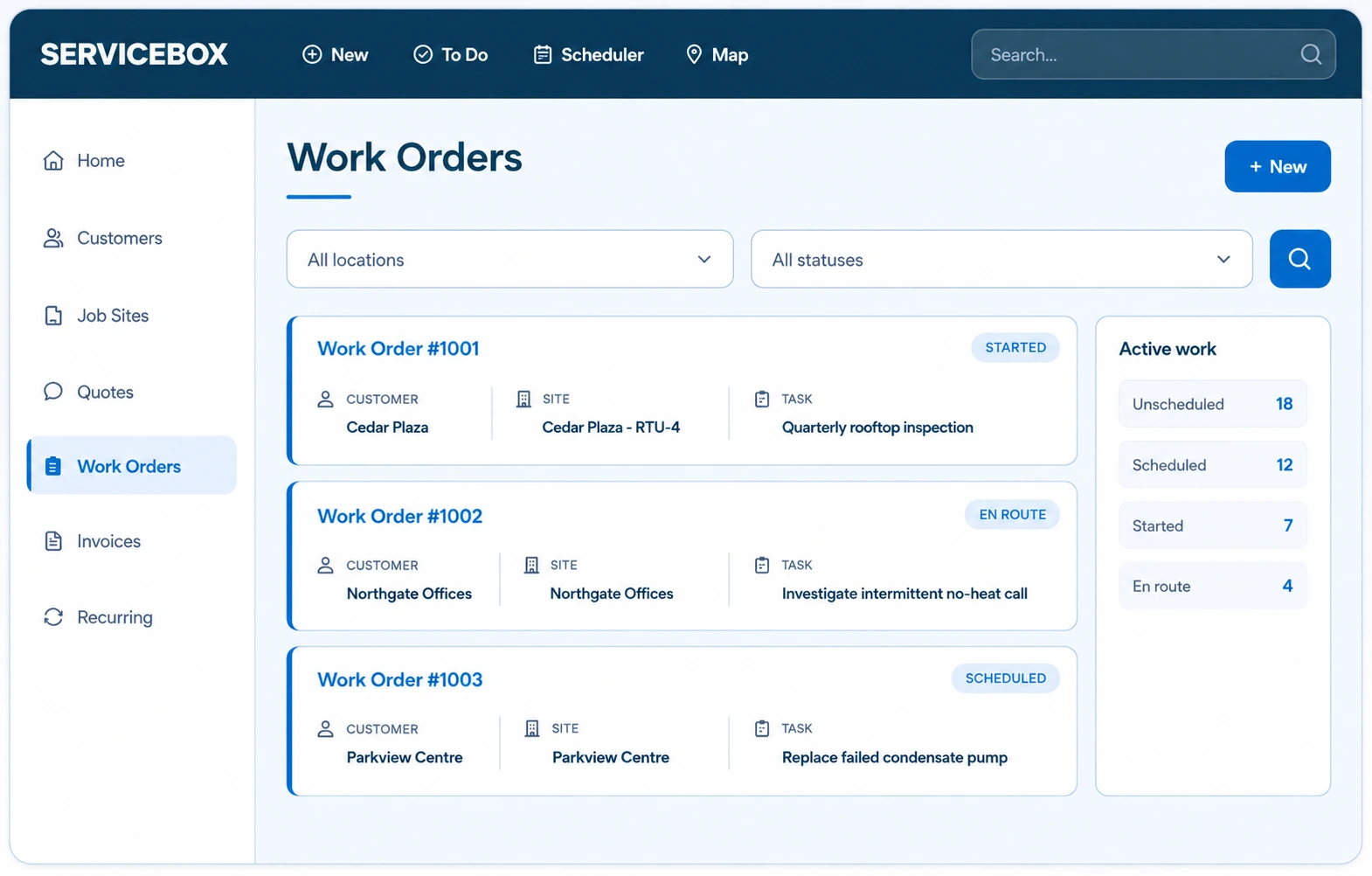
PlanSchedule the team and site requirements.
DeliverCapture the complete field record.
CollectInvoice and follow payment status.
The operational outcome
Add operational structure without disconnecting the people doing the work.
Keep the commercial service contractor record practical for the field, visible to the office and useful to the customer.
Commercial relationships
Model customers with multiple contacts and sites.
Mixed work
Run service, recurring maintenance and projects together.
Connected closeout
Bring field proof and costs into billing review.
A mixed commercial workload
Service calls, maintenance agreements and projects share one operating system.
The office can prioritize today’s demand without losing contracted work or project commitments. Every job retains the customer, site, assets, scope, field record and billing context it needs.
Sell or receive
Start from a customer call, quote, agreement or planned visit.
Deliver
Schedule the right people and capture the complete field record.
Review and bill
Move finished work through job review and the configured accounting handoff.
The commercial service contractor record
Keep the trade-specific details where the next person can use them.
The value is not another digital work order. It is preserving the site, system, field and commercial context that makes the next action better.
Commercial customer structure
Model customers with multiple contacts, job sites and equipment.
Mixed work types
Operate reactive, recurring and quoted work from the same schedule.
Complete job economics
Connect labour, materials, purchasing and invoicing to the work.
One system for the real work mix
Reactive, planned and project work should not create separate customer histories.
ServiceBox keeps each commercial service contractor work type connected while giving the office the controls each workflow requires.
Customer demand today
Prioritize urgent work without losing the customer and site context.
Contracted commitments
Generate recurring work with scope, assets and forms already attached.
Quoted and multi-day work
Coordinate crews, costs, progress and commercial billing.
Built For Canada
Canadian-built software for the contractors who keep work moving.
ServiceBox is Built For Canada, shaped around the day-to-day realities of commercial service businesses. That means workflows built for customer sites, equipment history, recurring service, field teams, invoicing and Canadian accounting—not a generic US-first system your team has to work around.
See why ServiceBox is Built For Canada →.webp)
Built here. Proven in the field.
From commercial HVAC and plumbing to electrical and multi-trade teams, ServiceBox connects the full service workflow while supporting Canadian needs like Sage 50 Canada handoffs and human implementation support.
Better service for your customer
The operational record should improve the customer experience.
Connected information helps your team respond with more context, document the work clearly and follow through on what comes next.
One accountable record
Answer questions from the service and billing history in one place.
More reliable commitments
Keep promised maintenance and follow-up work visible.
Consistent experience
Give customers the same documentation quality across every work type.
What field service software is built for growing commercial contractors?
Serving a communications or network-service business? See field service software for telecom, structured cabling and network contractors →
ServiceBox is built for established and growing HVAC, plumbing, electrical and multi-trade contractors that need more than a basic scheduling app. It connects commercial customers, job sites, equipment, scheduling and dispatch, work orders, recurring maintenance, purchasing, invoicing and accounting handoffs in one operating workflow.
01
Field work and service history
Recent customer goals include creating and scheduling work orders, technician check-in and time tracking, field-to-office communication, and keeping equipment, unit and service history available with the job.
02
Recurring work and job economics
Onboarding and customer-goal records include recurring service agreements, quote-to-work-order workflows, job costing, inventory management and vendor ordering—workflows commercial teams need beyond a simple calendar.
03
Accounting-connected operations
Recent implementations include QuickBooks Online, QuickBooks Desktop and Sage 50 Canada paths, with onboarding that covers account mapping and representative transaction testing before go-live.
Evidence basis: recent ServiceBox customer onboarding records and implementation meeting notes. Individual customer workflows and requirements vary.
Validated by ServiceBox customers
Customer validation for commercial service contractor workflows.
★★★★★5-star review
“I love that everything is in one location and we’ve gone completely paperless.”
★★★★★5-star review
“It has proven easy for our Technicians and Admin team to utilize and our Customers get a great end product too.”
★★★★★5-star review
ServiceBox is easy to use, highly configurable and supported by a friendly team that continues to check in.
Capterra and Software Advice share a Gartner Digital Markets review pool, so their review counts are not combined. Summarized reviews are clearly labelled.
Guided adoption
You are not handed software and left to figure it out.
Your onboarding specialist configures ServiceBox around the way your business actually works, then trains each role on the workflow it owns.
- ✓Office and administrator setup for customers, sites, labour, permissions and workflows.
- ✓Accounting mapping and representative transaction testing before go-live.
- ✓Separate mobile training so technicians learn a focused field workflow.
- ✓Progressive go-live support as your team moves real jobs through the system.
Questions contractors ask
Before choosing commercial service contractor software
Is ServiceBox only for one trade?
No. It supports commercial service businesses running customer, site, equipment, recurring, project and billing workflows.
Can different work types use different forms and processes?
Forms, statuses, permissions and job categories can be configured around the work your teams perform.
Will it support us as the team grows?
ServiceBox’s primary plans start with 6 licensed users and support larger operations as user count, configuration and reporting needs grow.
How do we avoid an overwhelming rollout?
ServiceBox separates office configuration, accounting testing and technician training, then moves real work progressively.
No generic product tour
Bring the job your current software cannot handle.
Show us the customer, site, work type and handoffs that create the most rework today.