
Find the right building
Open the customer and location so the call starts with the right contact and access instructions.
PLUMBING FIELD SERVICE SOFTWARE
Keep every plumbing job tied to the right customer, building and service history—from the first call through field work, materials and invoicing.
ServiceBox helps your office schedule the work, gives plumbers the job information they need in the field, and keeps their notes, time and materials ready for the office to review.
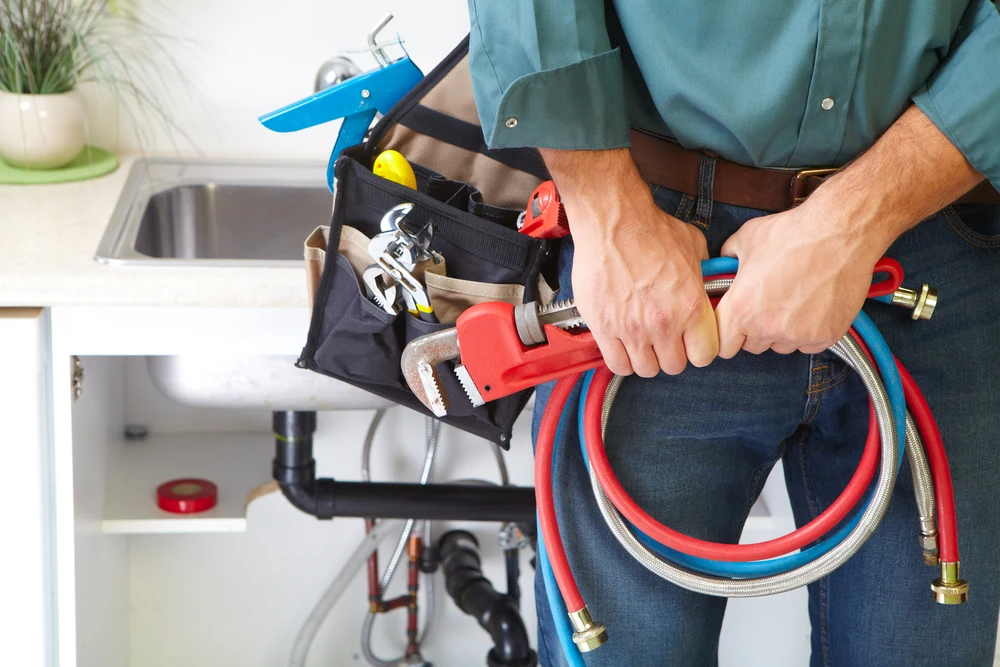
ONE JOB, START TO FINISH
A property manager calls about a leak at one of their buildings. Here’s an example of how the job moves through ServiceBox, without the office piecing it back together from paper, texts and phone calls.
Open the customer and location so the call starts with the right contact and access instructions.
Review previous repairs, notes and photos for that site before sending someone out.
Put the job on the schedule and give the assigned plumber the site details and service history.
The plumber records labour, fittings and other materials, plus notes, photos, forms and customer sign-off against the work order.
A second valve needs attention. The plumber records the recommendation with the job so the office can arrange a quote or return visit.
The office reviews the completed job record and prepares the invoice, instead of chasing down time sheets and trying to remember which materials were used.
CUSTOMERS, BUILDINGS & SERVICE HISTORY
A property manager may look after several locations, each with different contacts, access instructions and past repairs. ServiceBox keeps each site's service record separate while linking it to the same customer. For example, one property-management customer could have these three buildings:
Access instructions, photos of the repair and the recommendation about the second valve stay with this location.
The site contact, previous backflow inspection forms and planned service visits remain in this building's history.
Keep the pump's previous service notes, parts used and work orders available for the next plumber sent to this site.
EMERGENCY CALLS, RECURRING WORK & PROJECTS
An urgent leak, an annual inspection and a multi-day replacement job need different planning. They can still share the same customer and building history.
Get a leak, blockage or failed pump onto the schedule. Give the plumber the building details and prior repair notes before arrival.
Set up recurring work orders for planned maintenance and inspections. Keep previous forms and findings with the site so each visit builds on the last.
Carry the approved scope into the job, then record progress, labour and materials as the work is completed—even when it takes more than one visit.
LABOUR, MATERIALS & JOB COSTS
A finished job shouldn't leave the office guessing which fittings were used or how long the repair took. Plumbers record labour and materials against the work order, ready for the office to review. This illustrative leak-repair record shows what that could look like:
2.0 hours of labour, recorded against the repair rather than left on a separate time sheet.
1 shut-off valve and 3 fittings. The office can see the items entered by the plumber when reviewing the job.
Photos of the completed repair and a recommendation about a second aging valve. The office can bill the finished work and arrange the next step.
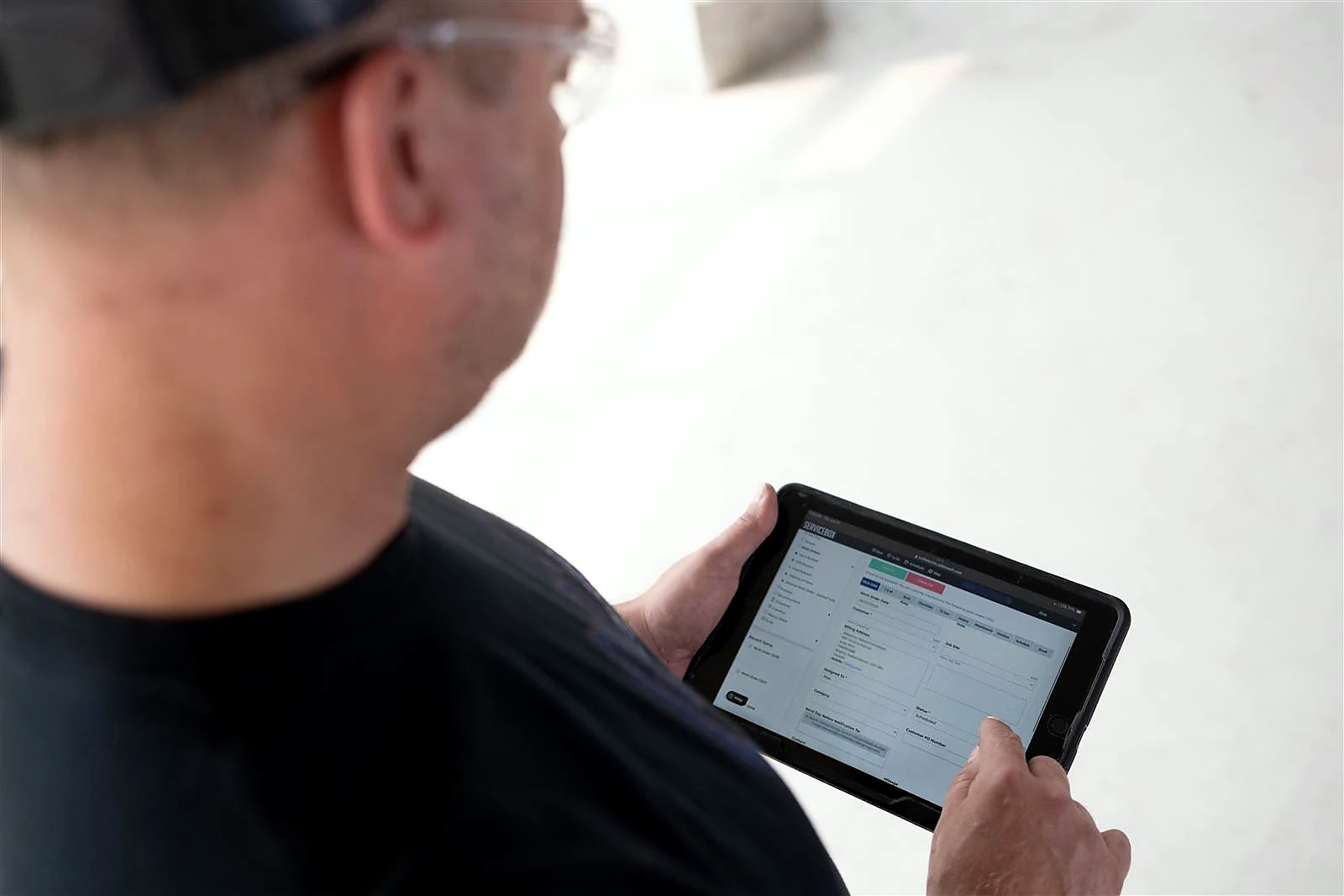
FOR THE PLUMBER IN THE FIELD
Before the call, see where you're going, who to contact and what work has already been done there.
On the job, add the time, materials, notes, photos, forms and customer sign-off the office will need later. There's less to remember at the end of the day, and less missing information for the office to chase.
See the ServiceBox mobile app →ServiceBox in the field. Photo: a Croft Electric technician using a tablet.
INVOICING & ACCOUNTING
When the plumber finishes, the office reviews the labour, materials, notes and other job details before preparing the invoice. ServiceBox connects with QuickBooks Online, QuickBooks Desktop and Sage 50 Canada. What transfers, and how it transfers, depends on your accounting system and setup. See the supported workflows and limits below.
See which records can move between ServiceBox and QuickBooks Online, and what the office needs to review.
QuickBooks Online integration →Check the supported Desktop workflows and connection requirements before planning your setup.
QuickBooks Desktop integration →Review the Sage 50 Canada integration, including supported records, setup and important limits.
Sage 50 Canada integration →CUSTOMER EXPERIENCE
Apex Plumbing & Heating
Apex reports completing about 90% of its field paperwork on site. Its office uses the completed records for daily invoice review.
Customer-reported experience, not a guaranteed result.
Read the Apex customer story →Kenora's Best Plumbing and Heating
Kurt van Aertselaer's review describes having scheduling, time logging, job-site information and photos together for the field team.
Summary of the customer feedback featured by ServiceBox.
Maximum Mechanical
Jocelynn Johnson's review describes using the Sage connection so invoice information does not have to be entered manually in both systems.
Summary of the customer feedback featured by ServiceBox.
BUILT IN CANADA
ServiceBox is built in Canada for field service businesses, with QuickBooks and Sage 50 Canada integrations and a team to help you get set up.
More about ServiceBox in Canada →GETTING YOUR TEAM STARTED
You don't receive a login and get left to figure everything out. We plan the setup with your team and train people on the parts they'll actually use.
A FEW MORE QUESTIONS
Yes. Keep several job sites under one customer, with contacts, access notes and service history for each location. A visit to one building does not have to be mixed into another building's record.
Plumbers can record labour, materials, notes, photos, forms and customer sign-off against the work order. Offline access has its own limits; see the offline mode details for work in areas with weak reception.
Yes. Schedule urgent service calls and carry approved quotes into work orders for repairs or replacements. Bring a larger job to your demo so we can check the way you track visits, labour, materials and billing.
Yes. Recurring work orders can generate planned maintenance and inspection visits. Your team still reviews the schedule, completes the work and records the findings. Learn more about recurring maintenance.
ServiceBox integrates with QuickBooks Online, QuickBooks Desktop and Sage 50 Canada. The records transferred and setup requirements differ between systems. Compare the accounting integrations before planning your connection.
ServiceBox is built for service teams coordinating office staff and plumbers across customer sites. It supports commercial plumbing and mechanical work, including teams that also take residential calls. We review your team size, work mix and billing needs during the demo; current plans are here.
We plan your setup, accounting connection and training with your team. Office staff learn the day-to-day scheduling and billing process; plumbers learn the mobile tasks they'll use on jobs. The scope and timing depend on your requirements. See how onboarding works.
No generic product tour
In your demo, we'll follow one of your real workflows—from the customer and site through dispatch, field work, materials and invoicing—so you can see how ServiceBox would fit your business.