
The challenge
Technicians completed check sheets on site, but the records still had to return to the office, be filed in building binders and be retrieved before someone could use the history.
Customer story · Commercial and institutional plumbing & HVAC
Apex Plumbing & Heating serves commercial and institutional customers across plumbing, heating, cooling and ventilation. Jon Selinger describes how field work orders, equipment history and safety documentation keep service moving—and how faster invoice preparation supports cash flow.

“I try to invoice daily because it expedites cash flow.”
Executive summary
Apex serves commercial and institutional customers across plumbing, heating, cooling and ventilation, from failed boilers and building floods to recurring maintenance and equipment replacement. Jon runs day-to-day operations, coordinating technicians with different mechanical specialties. ServiceBox helps the team carry field knowledge from one visit to the next and move completed work into invoice review.
Explore commercial HVAC field service software →The operational change
The change was not simply completing paperwork on site; Apex already did that on paper. It was making those records available to the office and the next technician without manually filing and retrieving building binders.
Technicians completed check sheets on site, but the records still had to return to the office, be filed in building binders and be retrieved before someone could use the history.
Technicians enter time, materials, service notes and checklists in ServiceBox. Saved information becomes available to the office without the same paper-filing process.
Jon can generate and review invoices from the completed field record, then pass them to the office for processing and sending. He identifies faster billing as an important benefit to Apex’s cash flow.
The workflow in ServiceBox
Jon’s examples show how the team uses ServiceBox in day-to-day commercial work, while keeping its own review and approval steps.
Apex’s technicians complete their work orders with time, materials, service notes and checklists. They do not generate invoices on site: Jon retains that review because pricing and markups can differ between jobs. With the field details already recorded, he can generate an invoice, check it and pass it to the office for accounting and sending.
Jon aims to invoice daily and can review completed jobs during available moments throughout the day. He identifies this faster movement from finished work to billing as an important benefit to cash flow—not a measured increase in money earned.
Technician completes work order → Jon generates and reviews invoice → Office processes and sends invoice
Explore ServiceBox quoting and invoicing →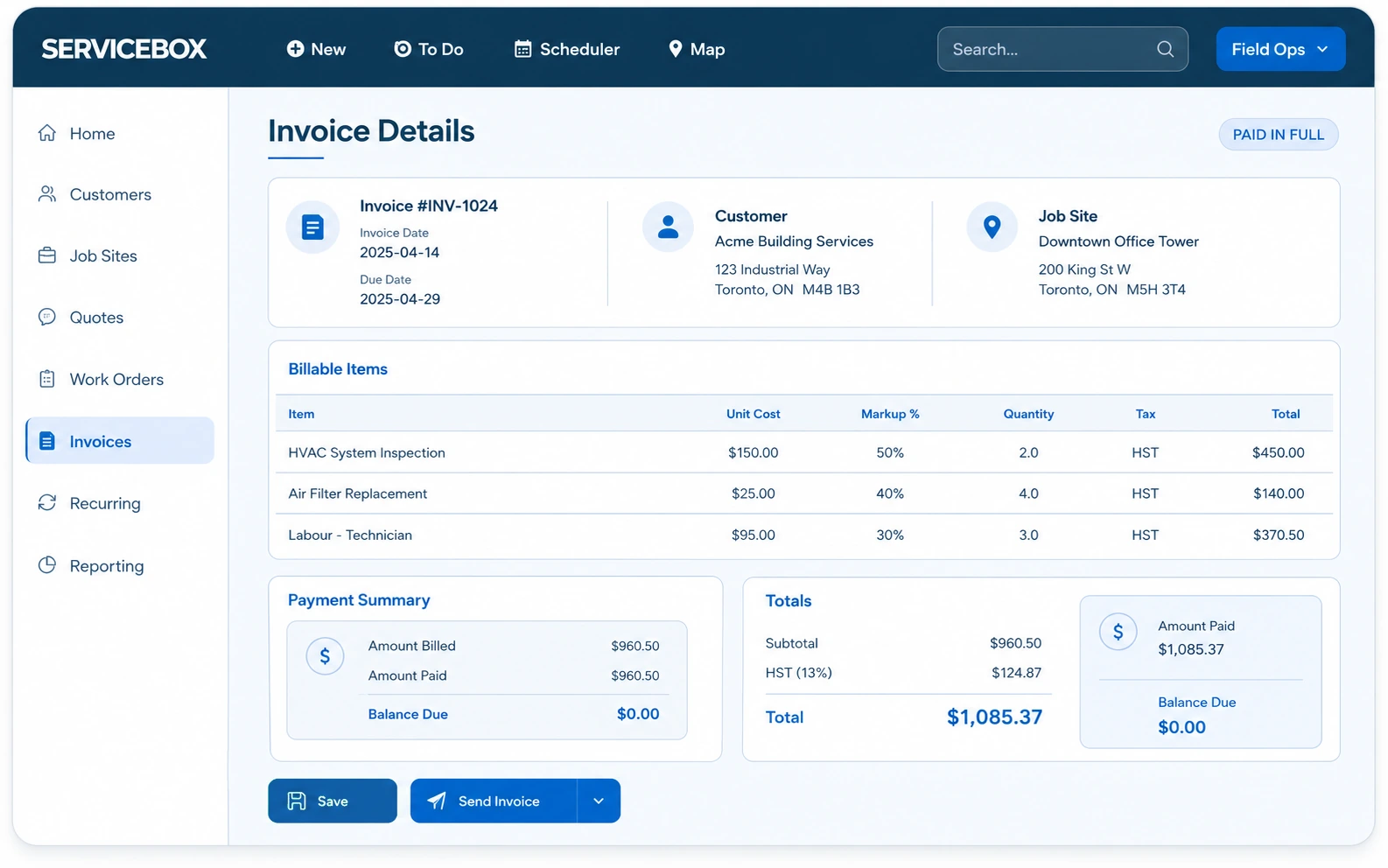
ServiceBox product example: invoice details.
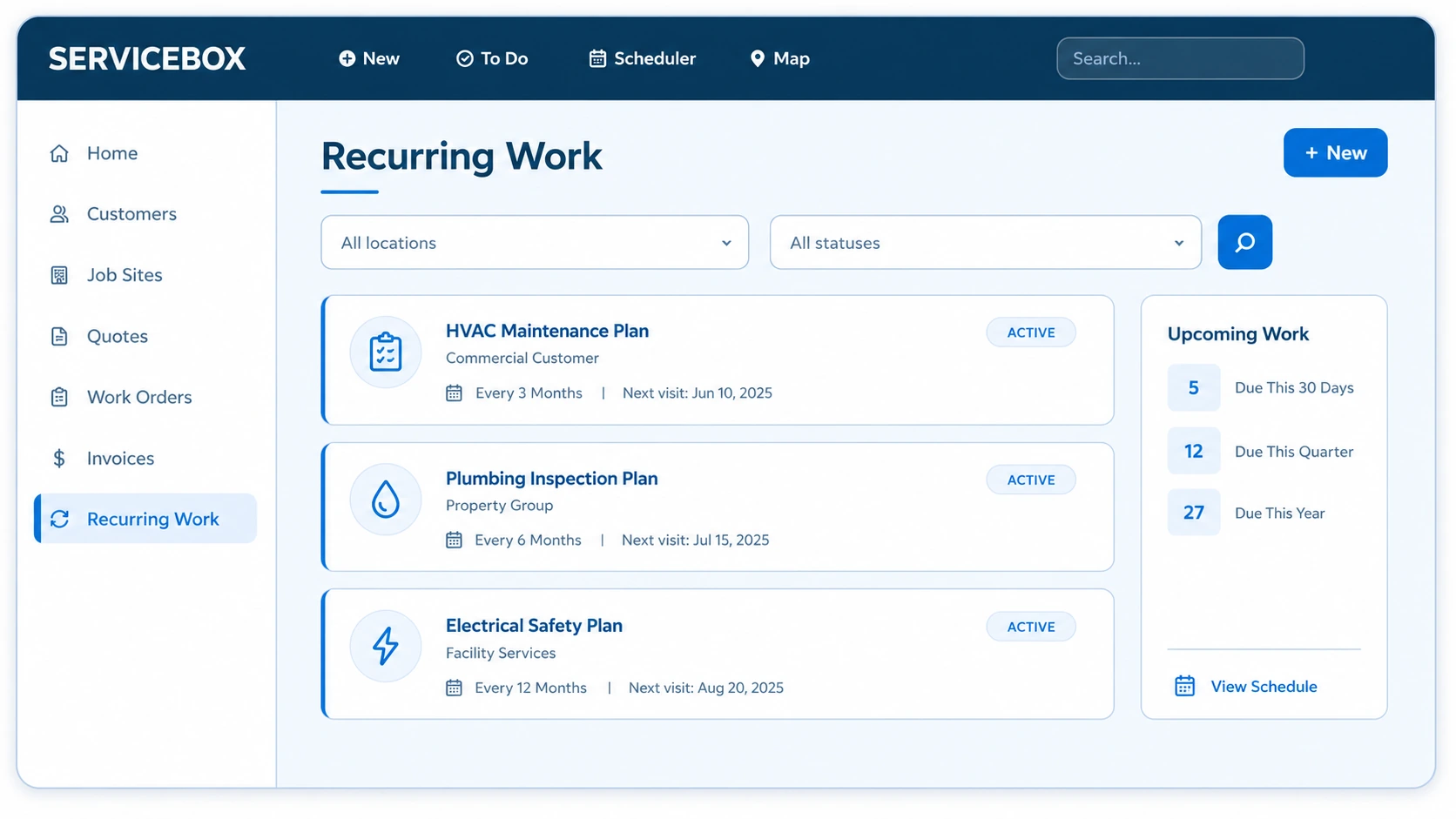
ServiceBox product example: recurring work.
Jon estimates that recurring maintenance represents approximately 10–15% of Apex’s overall business. Its importance extends beyond the maintenance visit: regular checks help Apex understand equipment, identify developing problems and build the relationship customers rely on when they need service or replacement work. That relationship can lead to follow-on work, but Jon is clear that it does not guarantee those jobs.
ServiceBox supports the information behind subsequent visits by keeping equipment details, maintenance checklists and service history available to the team.
Explore preventative maintenance software →Jon estimates that technicians complete about 90% of job paperwork on site. They also completed paper forms in the field before ServiceBox; the improvement is that saved digital notes and checklists become available to the office without returning, filing and retrieving building binders. Apex’s policy is to close the work order when the service call is complete.
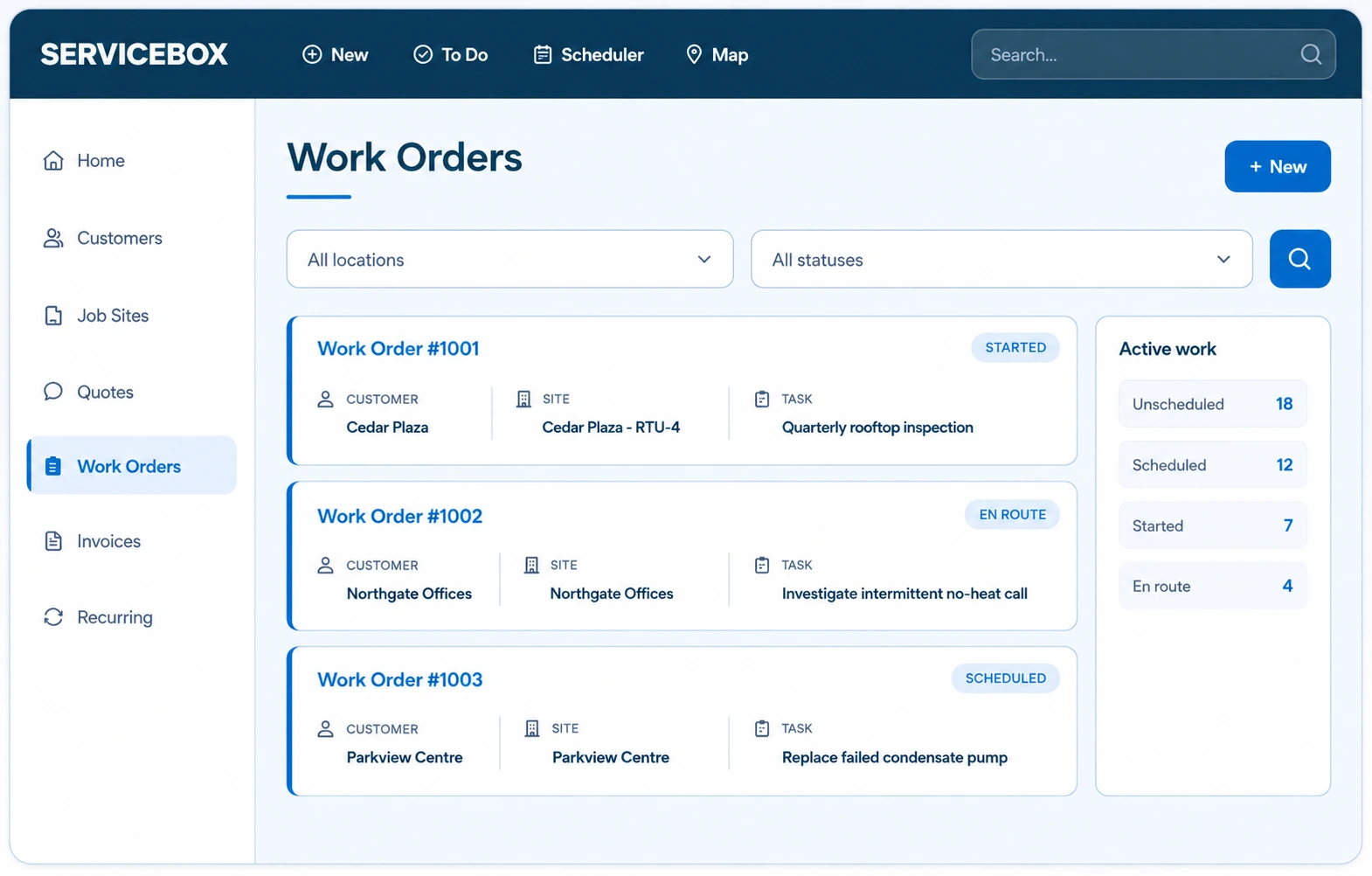
ServiceBox product example: work orders.
Equipment knowledge and service continuity
When a technician finds a missing wiring diagram online or obtains it from a vendor, they save it against the equipment at the customer’s site. The next technician can access the diagram without repeating the search, whether the next visit is a week or a month later.
Jon describes technicians checking a unit’s recent service history before heading to a call. If previous visits show recurring filter-related faults, they can bring a filter with them rather than discovering the problem on arrival and driving across town for a part.
For intermittent equipment problems, a technician can see what colleagues checked and ruled out on previous visits. That history provides a starting point for the next investigation instead of leaving each technician to reconstruct the same work from scratch.
Explore customer, site and equipment records →Jon deliberately leaves an open block in the schedule for urgent calls. When an emergency arrives, he can review availability, move less urgent work and update the technician’s assignment. Phone and text communication remain part of coordinating the response; the software does not replace those conversations.
Apex attaches job hazard assessments and fall-protection plans to the relevant work orders. When a customer asks for an assessment from a previous visit, Jon can retrieve it from that job. The company also uses a separate internal safety job site in ServiceBox for vehicle and equipment inspection records, alongside its broader safety program.
Validated by ServiceBox customers
“I love that everything is in one location & we've gone completely paperless.”
“It has proven easy for our Technicians and Admin team to utilize and our Customers get a great end product too.”
ServiceBox is easy to use, highly configurable and supported by a friendly team that continues to check in.
Capterra and Software Advice share a Gartner Digital Markets review pool, so their review counts are not combined. Summarized reviews are clearly labelled.
Your questions answered
At Apex Plumbing & Heating, technicians record time, materials, service notes and checklists in ServiceBox before closing their work orders. Jon Selinger then generates and reviews each invoice before passing it to the office for processing and sending. He aims to invoice daily and identifies faster billing as an important benefit to Apex’s cash flow.
Apex’s technicians use ServiceBox to review previous service notes, wiring diagrams and diagnostic findings for specific equipment. That history helps them prepare for visits and see what another technician has already checked. Jon describes examples such as bringing a likely replacement filter and reusing a saved wiring diagram instead of searching for it again.
Apex uses ServiceBox to keep maintenance checklists, equipment information and service history available to its team. Jon explains that recurring maintenance helps Apex understand customers’ equipment and identify potential repair or replacement needs. The resulting records provide context for later visits, supporting continuity between scheduled maintenance and follow-up service.
Jon deliberately leaves capacity in Apex’s schedule for urgent service calls. Using ServiceBox, he can review availability and move less urgent assignments when an emergency needs attention. He combines schedule updates with direct communication so technicians know where to go and what has changed.
At Apex, job hazard assessments and fall-protection plans are attached to the relevant ServiceBox work orders. When a customer requests documentation from a previous visit, Jon can retrieve it from that job’s record. This supports Apex’s safety documentation process without replacing its broader safety responsibilities.
About this customer story: Based on an interview with Jon Selinger of Apex Plumbing & Heating, conducted by Tim at ServiceBox. Reported estimates and experiences reflect the interview and are not independently audited results.
See the complete workflow
Bring a service call, recurring maintenance agreement or completed work order. We’ll show you how scheduling, equipment history, field documentation and invoice review can stay connected.