
The challenge
Paper-based service tickets were hard to read, hard to search and easy to lose. The owner relied on technician calls for updates and had incomplete visibility while working in the field himself.
Customer story · HVAC · Small field team
Spectrum Air Solutions uses ServiceBox to document technical field work, manage estimates and invoices, and keep customer history accessible as the company grows.

“ServiceBox makes it so easy to keep track of our customers, scheduling, invoicing, emailing and so much more.”
Executive summary
By making job records mobile and visible in real time, Spectrum gained a clearer view of field progress, technician notes, customer history, estimates, invoices, and follow-up tasks. The owner can now manage the business from the field without losing operational visibility.
The operational change
Spectrum’s experience shows the practical value of connecting mobile field records, customer history, quoting and invoicing.
Paper-based service tickets were hard to read, hard to search and easy to lose. The owner relied on technician calls for updates and had incomplete visibility while working in the field himself.
Technicians adopted mobile work orders with photos, notes, asset details and service records. Estimates and invoices were created from the same operational record, supported by reminders and QuickBooks Online integration.
Customer information became easier to retrieve, field updates became visible in real time and billing became more consistent. The company gained a system that could support growth without rebuilding the workflow.
Workflow improvements
Technicians can record photos, serial numbers, readings and job notes from the work order. Information no longer needs to be deciphered or re-entered from paper.
Completed jobs, technician notes and job progress appear in the system as the work happens, reducing the need for status calls during the day.
Although the team had used paper for years, workers of different ages and technology comfort levels learned the core system within one to two weeks.
John typically creates three or four invoices a day and sends them shortly after the work is finished. Email delivery improves the chance that documentation reaches the right person.
Recurring service ideas, maintenance agreements and reminders can be attached to the work record so future opportunities do not depend on memory.
ServiceBox in practice
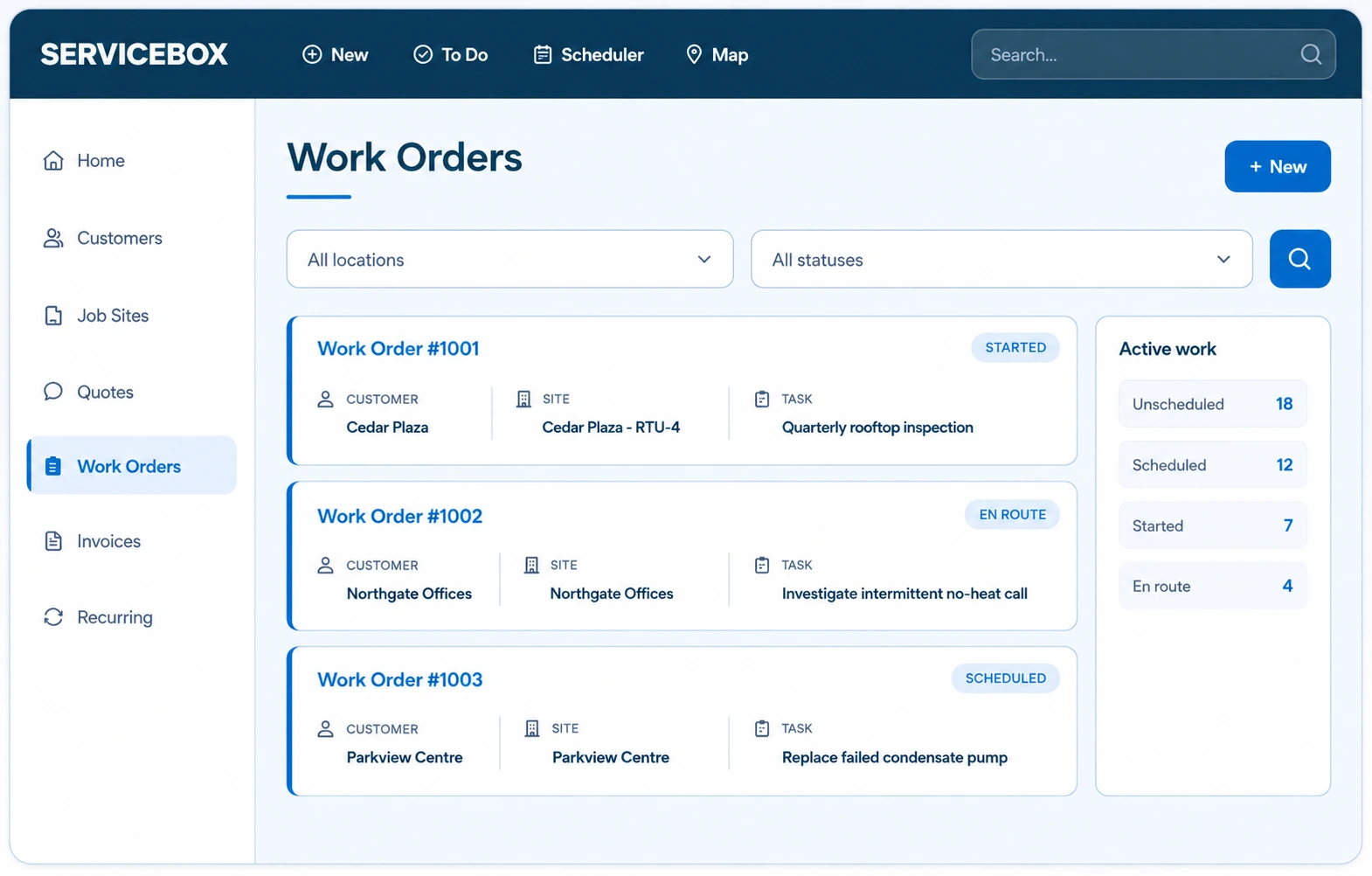
ServiceBox connects the customer, work order, job evidence, estimate and invoice so the small team can move quickly without losing history.
Technicians can see previous work, customer history and job requirements, while the owner can see incoming field data without waiting for paper to return.

Quotes can be prepared electronically, delivered directly and connected to the job record, helping the business move from technical recommendations to approved work.
Invoices can be prepared and sent after work is completed, with payment and accounting details passed into QuickBooks Online for financial management.
See the supported QuickBooks Online field service integration workflow used to connect ServiceBox operations with accounting.

Validated by ServiceBox customers
“I love that everything is in one location & we've gone completely paperless.”
“It has proven easy for our Technicians and Admin team to utilize and our Customers get a great end product too.”
ServiceBox is easy to use, highly configurable and supported by a friendly team that continues to check in.
Capterra and Software Advice share a Gartner Digital Markets review pool, so their review counts are not combined. Summarized reviews are clearly labelled.
See the complete workflow
Map how customer history, technician notes, estimates, invoices and follow-up could work for your business.