
A Jobber alternative for teams that need more operational depth.
Jobber is a polished field service platform for quoting, scheduling, invoicing and customer communication. ServiceBox is designed for teams that also need commercial customer and site structure, equipment history, recurring maintenance, purchasing, inventory, field documentation and accounting handoffs to stay connected.
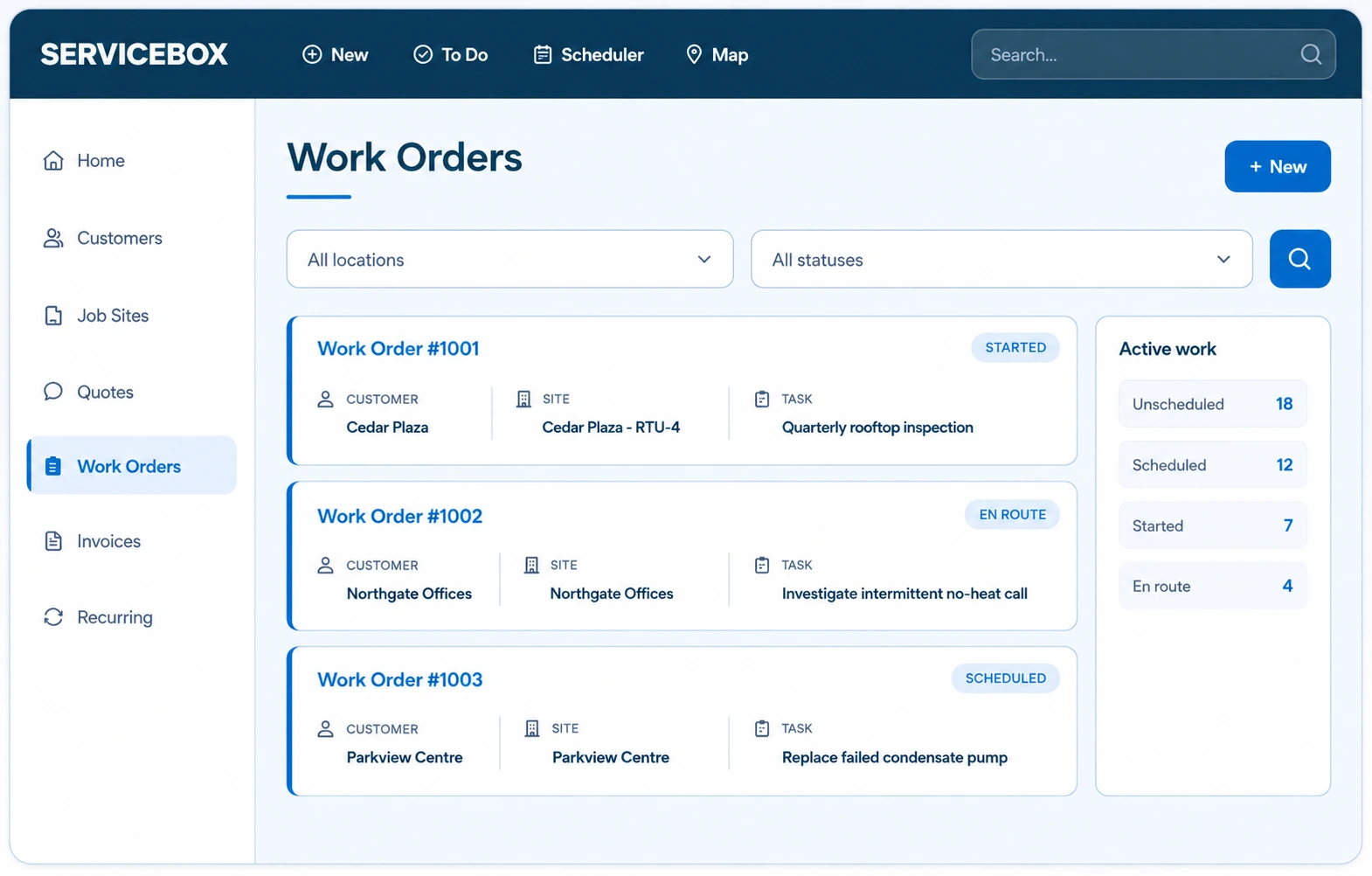
Compare the operational depth your next stage of growth requires.
The best fit depends on the work you run, the accounting system you use and how much commercial context must stay attached to each customer, site and asset.
Compare plan structure as the team grows
Jobber and ServiceBox publish different plan and user structures. Compare the number of included users, required features, recurring-work depth and operational modules at the team size you expect to run, not only the entry price.
Materials and inventory as the operation grows
ServiceBox Premium adds vendor orders, inventory and material visibility, and multi-location operations tied to work orders and billing so field usage, purchasing and job cost can share the same operational record.
Accounting fit across QuickBooks, Xero and Sage
Jobber supports QuickBooks Online, with Xero sync available through Jobber Plus. ServiceBox supports operational handoffs for QuickBooks Online, QuickBooks Desktop and Sage 50 Canada, giving teams more options when the accounting system is not changing with the field platform.
Recurring maintenance, configuration and reporting built for complex service work.
ServiceBox is designed for teams that need recurring commitments, equipment context and office controls to stay visible after the job is dispatched.
Recurring maintenance with equipment context
Create recurring work around the customer site and equipment record, attach the right checklist and preserve completed findings so the next visit starts with useful history instead of a blank work order.
Configuration around the way your business operates
Configure customer, job, labour, permission and workflow details around the operating model your office and field teams already use, then train each role on the part it owns.
Reporting from the connected job record
Use customer, work order, recurring work and invoice data from the same operating system so management reporting does not depend on reconstructing context from disconnected tools.
Keep more work types and more operational context in one connected system.
Move beyond a starting-point workflow without taking on a disconnected stack of point solutions for commercial service, maintenance and accounting.
Commercial service, maintenance and project work in one system
Run reactive service, recurring maintenance, quoted work and projects across multi-site commercial customers while keeping equipment records, service history and billing context connected.
Recurring work that builds on service history
Recurring schedules, equipment-level checklists and prior service records stay connected so each planned visit can build on what the last technician found.
Guided onboarding for office and field teams
ServiceBox onboarding includes administrator setup, accounting mapping, technician training and progressive go-live support so adoption is treated as part of the implementation.
Bring the Jobber workflow you need to compare beyond scheduling and invoicing.
Show us the recurring work, commercial customer structure, inventory or accounting handoff your team depends on and we’ll walk through it in ServiceBox.