
A Service Fusion alternative with core field service depth built in.
Service Fusion covers core field service workflows and offers plans with unlimited users. ServiceBox is built for teams that want customer sites, equipment history, recurring maintenance, purchasing, inventory, field work, invoicing and accounting handoffs connected with guided implementation around the way the business operates.
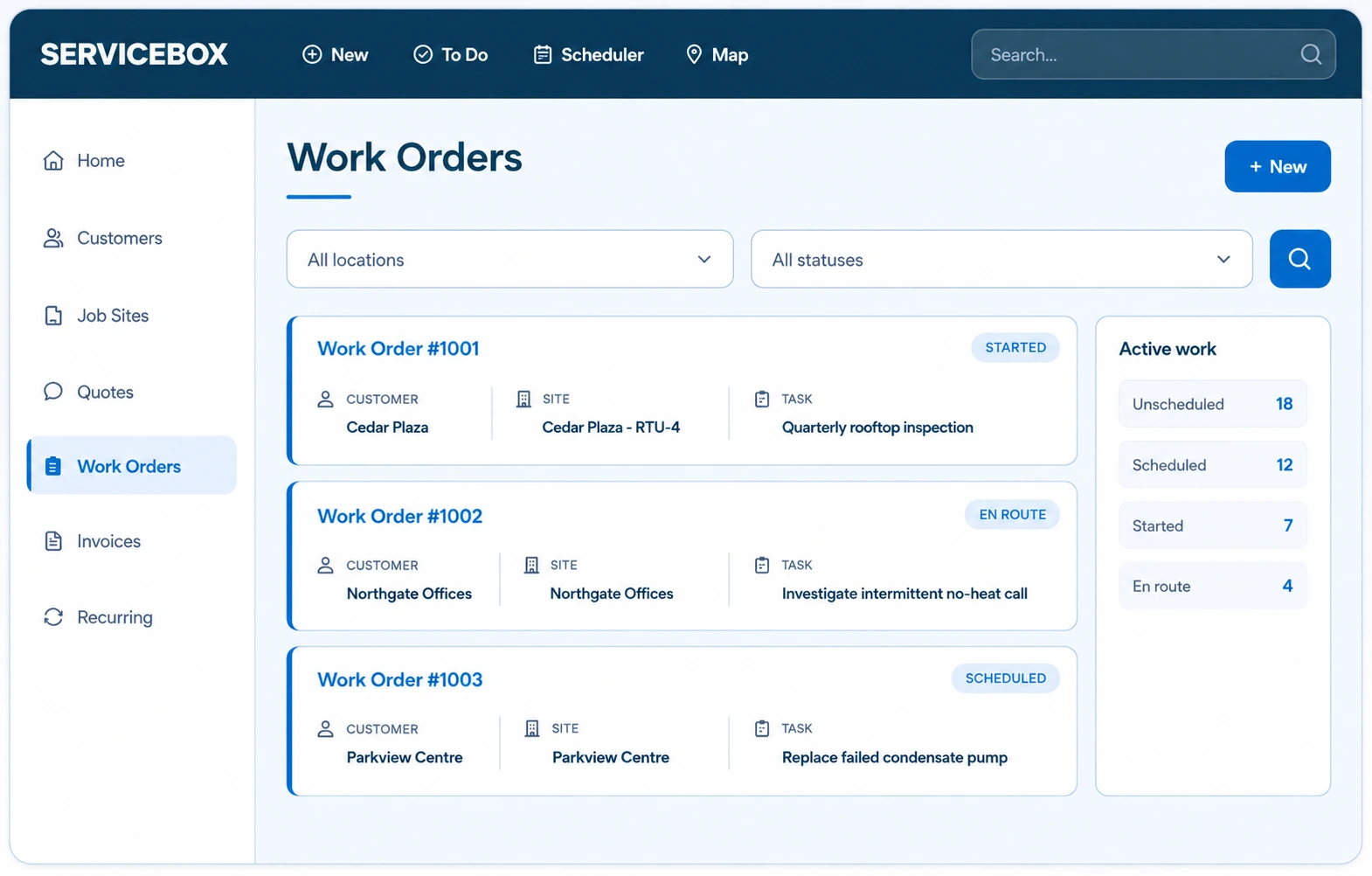
Compare included capabilities, accounting fit and the workflow behind each plan.
The right choice depends on more than user count. Compare the features available at the plan you need, the accounting system you use and the commercial service context your team must preserve.
Accounting options across QuickBooks and Sage
Service Fusion publishes QuickBooks Online and QuickBooks Desktop integrations. ServiceBox supports operational handoffs for QuickBooks Online, QuickBooks Desktop and Sage 50 Canada, with accounting mapping included in implementation planning.
Check which operational features sit in each tier
Service Fusion places capabilities such as inventory management, job costing and job photo uploads in higher plan tiers. ServiceBox also separates advanced capabilities by plan, with Premium adding vendor orders, inventory and materials, and multi-location operations.
Unlimited-user plans versus stage-based plans
Service Fusion publishes unlimited-user plan tiers, while ServiceBox publishes Starter, Standard, Premium and Enterprise plans structured around team size and operational depth. Compare the total plan that matches your required workflow rather than a headline monthly number.
Commercial depth and recurring workflows should stay connected to the customer record.
ServiceBox keeps the site, equipment, recurring work and completed field record together so each service visit can build on the last one.
Commercial service and project work in one history
Run reactive service, recurring maintenance, quoted work and projects across multi-site commercial customers while keeping equipment records, service history and billing context connected.
Recurring maintenance with equipment context
Create recurring work around the customer site and equipment record, attach the right checklist and keep completed findings available so planned maintenance builds a useful service history.
Guided adoption, not just account activation
ServiceBox onboarding covers administrator setup, accounting mapping, technician training and progressive go-live support so the office and field teams learn the workflow they actually own.
The software matters only if the field, office and accounting teams can keep using it.
ServiceBox combines human support, structured onboarding and a connected quote-to-invoice workflow so adoption and daily execution are treated as part of the same system.
Human support when the workflow needs help
ServiceBox gives customers access to a support team that can help with product questions, workflow issues and the practical details that come up after go-live.
Onboarding that covers office, accounting and field roles
A structured onboarding process helps configure customers, sites, permissions, accounting mappings and workflows, then trains technicians separately on the field process they need.
One connected record from quote to paid invoice
Quotes, work orders, scheduling, time, materials, invoices, payments and accounting handoffs can move forward from the same job record instead of being reconstructed at every step.
Bring the Service Fusion workflow you want to compare in detail.
Show us the inventory, recurring maintenance, onboarding or accounting workflow your team depends on and we’ll walk through how ServiceBox handles it.